Browse Our Knowledge Base
How to add a shortcut in file explorer to a OneDrive folder
- Open a browser and navigate to Office.siu.edu. Sign in with your SIU Credentials.
2. Click on app drawer  in the upper left hand corner.
3. Select the OneDrive App Icon. 
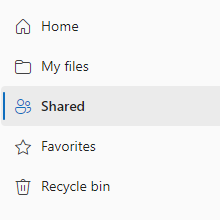
4. Select Shared on the left-hand menu listing.
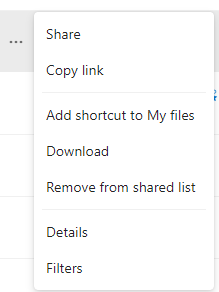
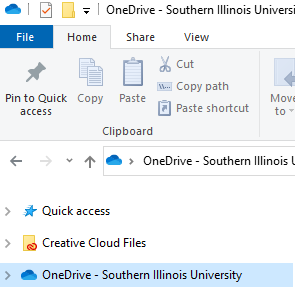
5. Click the … next to the folder that you want to view in file explorer and select Add shortcut to My files. The folder will now show up in your one drive folder after it has synced.