Browse Our Knowledge Base
Sign In Adobe Express
Overview
If you have an Adobe Creative Cloud Pro license through SIU, that includes access to Adobe Express.
How to Sign In
1. In your browser, go to the Adobe Express website.
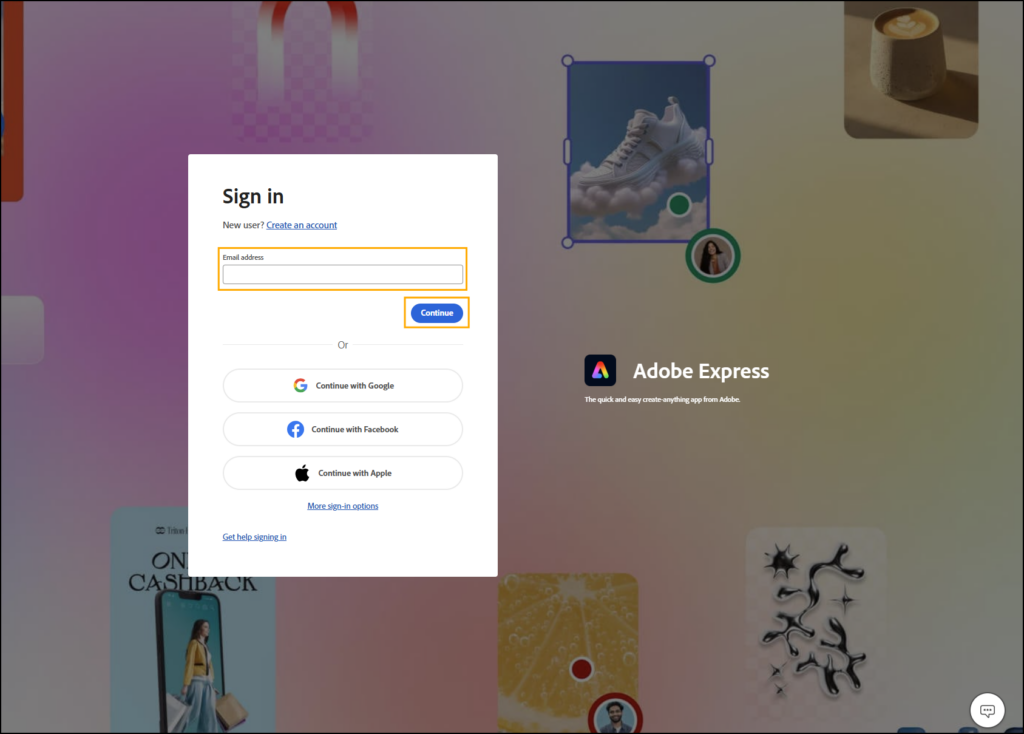
2. Enter your @siu.edu email address and click Continue.
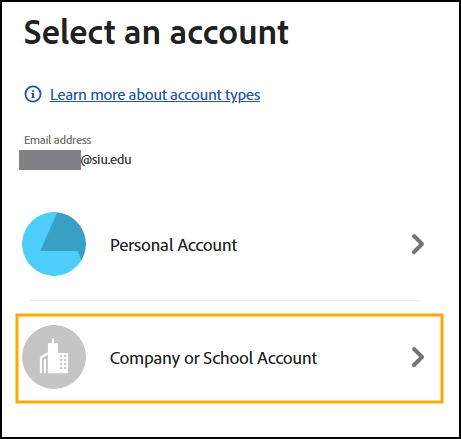
3. If prompted, select Company or School Account.
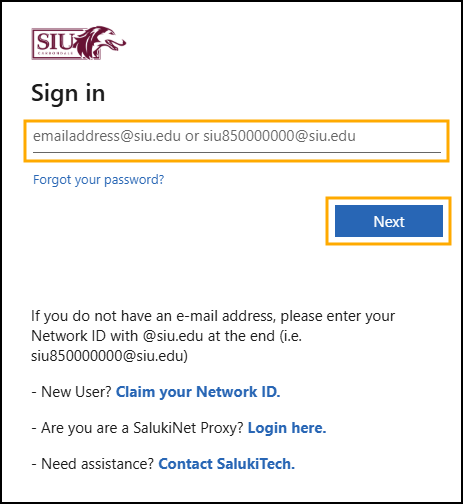
4. Enter your @siu.edu email address and click Next.
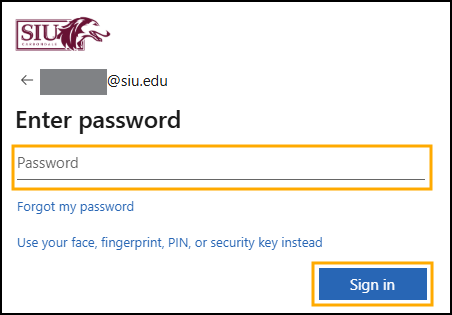
5. Enter your SIU password and click Sign in.
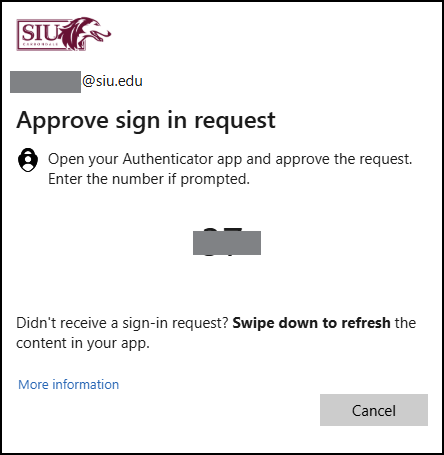
6. Complete the multi-factor authentication process.
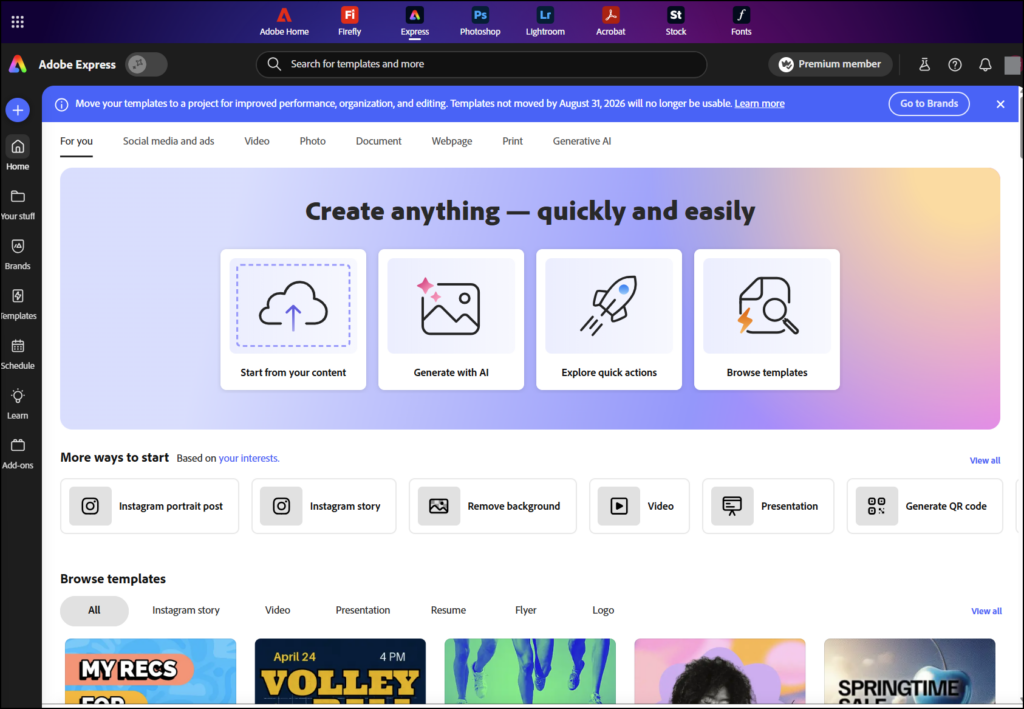
7. Once signed in, you will be redirected to the Adobe Express homepage.