Browse Our Knowledge Base
Clearing the Outlook Autocomplete E-mail Cache
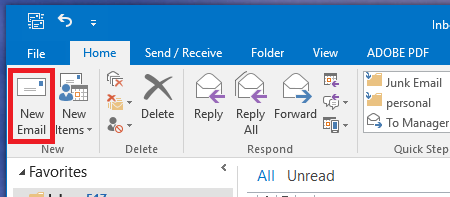
How to Clear Out Individual Entries: 1. In the Outlook main window, start a new email by clicking the New Email button.
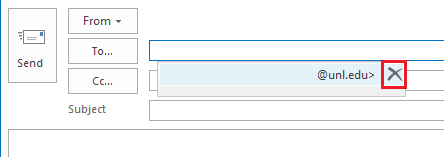
2. In the new email To field, start typing the email address or the name of the contact you would like to clear from the Auto-Complete cache. It appears listed in a tool-tip.
3. Press the down arrow key to select the right contact if there are more than one proposed. 4. Click the delete (X) icon next to the suggestion to permanently remove the Auto-Complete entry.