
Browse Our Knowledge Base
How to View Telecom Billing
Pinnacle website is here: Billing Statements – If the page does not open properly try a different browser.
https://pinnacle.calero.com/siu
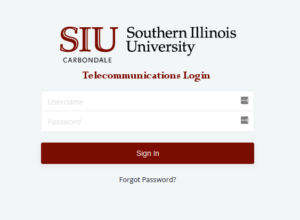

If you do not have the role SIUC Department Manager, then access will need to be requested. This form can be used for new access, modified (add additional Budget Purpose Numbers to existing access) or removal of access or Budget Purpose Numbers.
Please submit this form to request access to Budget Purpose Accounts: Telecom – Account Billing Statements Access Request
After access has been granted, follow instructions above before continuing to the next step.
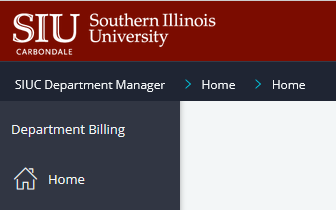
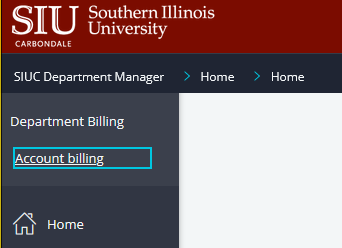
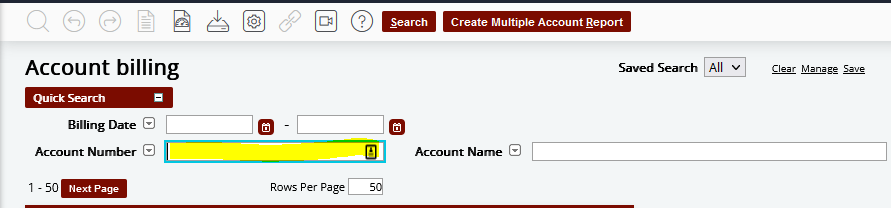
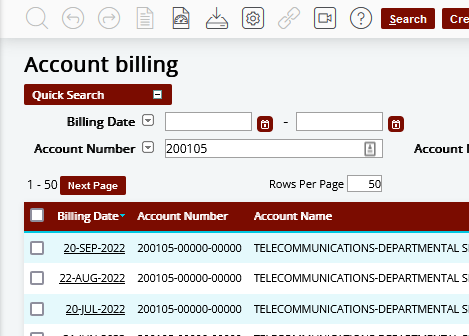
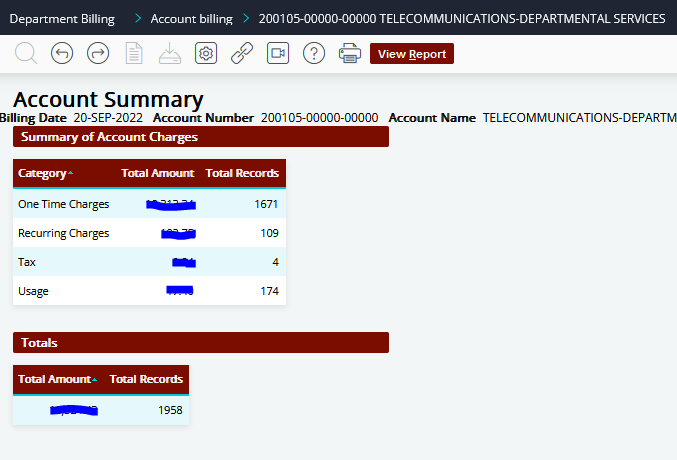
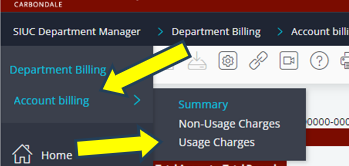
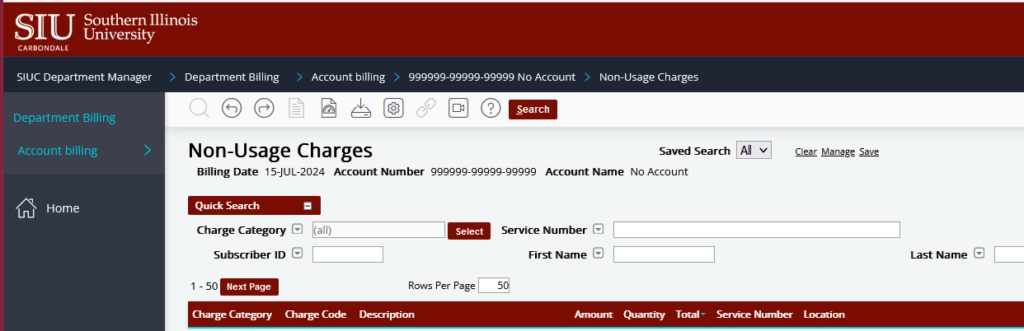
There is a PDF format of the invoice that may be viewed by clicking on “View Report”. Some users have difficulty using the invoice to reconcile. Continue to the next step to see how to view the line items.
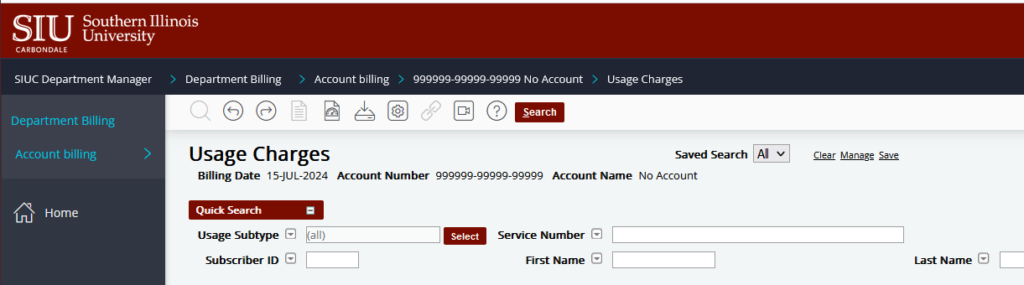
Reconciling Telecom Billing
It is the Fiscal Officer’s responsibility to reconcile Telecom billing for their department. See the Policy for Personal Use of State Telephones Telecom Policy | Office of Information Technology | SIU
Long Distance Authorization Codes – If an employee changes departments, their former department should submit a memo to telecomtsr@siu.edu requesting to deactivate their code. The new department may submit a request for a new code.
Teams VOIP – Office numbers will follow employees throughout their employment at SIU. If the employee changes departments, then the new department should submit a memo to change the BP to their account. If there is an employee showing on the invoice that has transferred to another department, please contact the employee’s current department and request they submit a request to IT Business Services to have the Budget Purpose updated to reflect their current department.
Any Questions about the billing may be asked by calling Telecom Customer Service at 618-453-2484 or email telecomtsr@siu.edu.