
Browse Our Knowledge Base
Using an Owl with Teams
Selecting Proper Settings Before the Meeting
Open Microsoft Teams
Click the three dots next to your profile picture on the top right of the screen.
Select “Settings” in the drop down menu.
Select “Devices” on the left side of the pop-up.
Under Speaker, select “Echo Cancelling Speakerphone (Meeting Owl Pro)”
Under Microphone, select “Microphone (USB PnP Audio Device)”
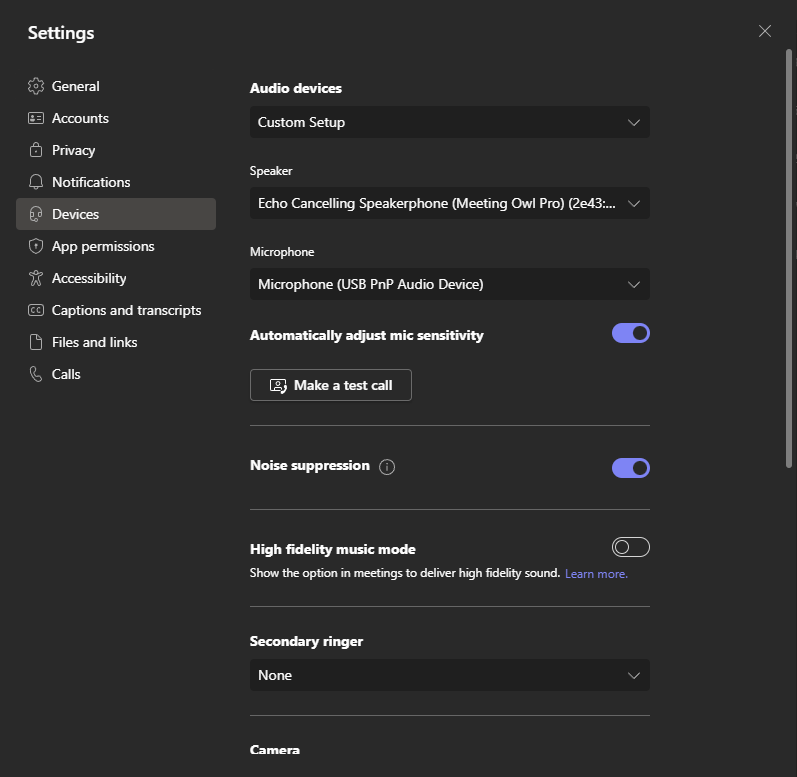 Make sure that both “Automatically adjust mic sensitivity” and “Noise suppression” are both toggled on.
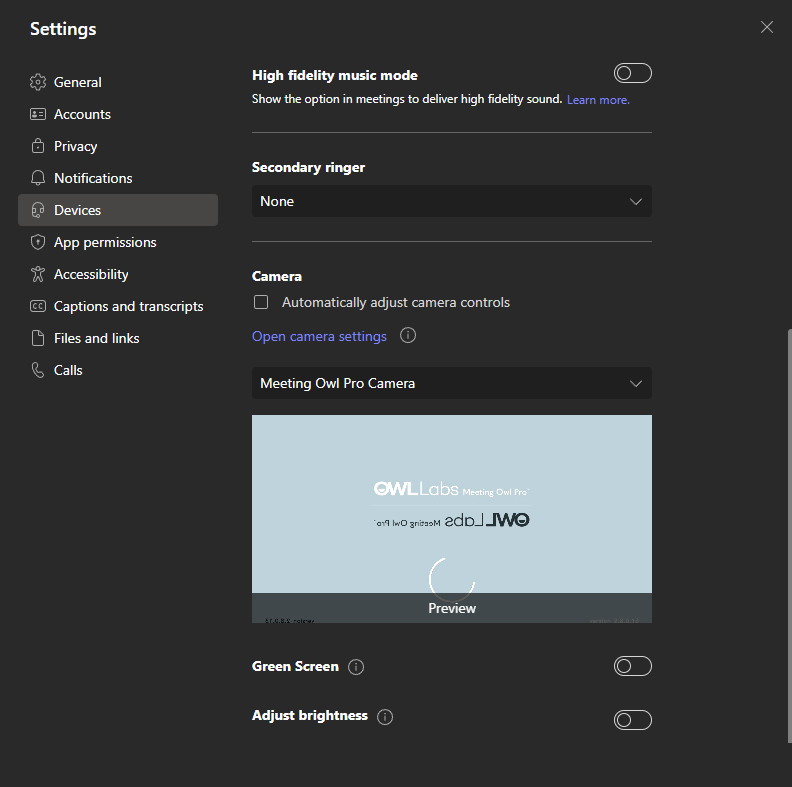
Now scroll down to the Camera settings.
Select “Meeting Owl Pro Camera” in the drop down and make sure it shows the camera feed in the preview window.