Browse Our Knowledge Base
EMS Desktop Client Installation
(Note: no administrator rights are required to perform this installation)
- Go to https://onlinescheduling.siu.edu/EmsDesktopWebDeploy/ which looks like
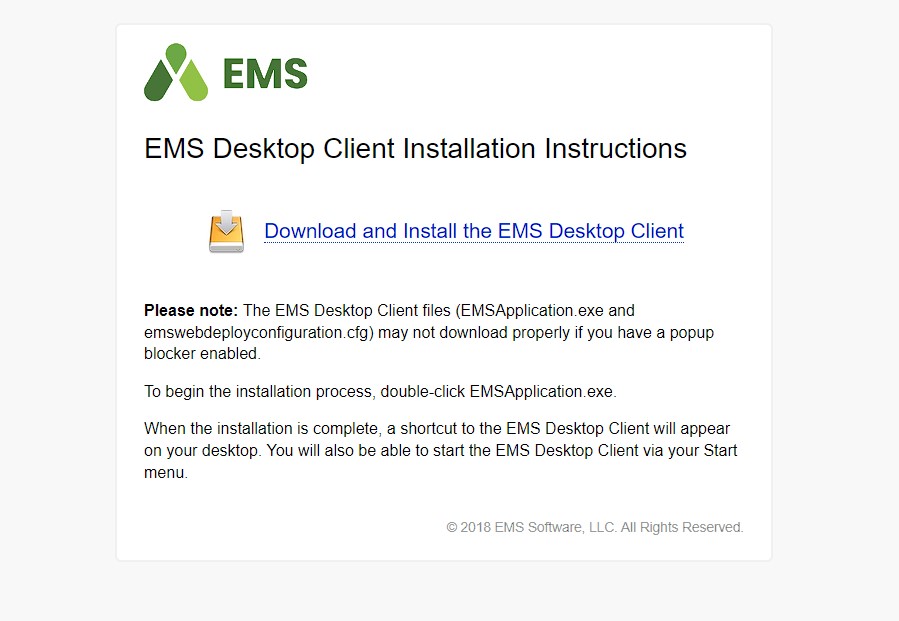
.
- Two files should download. If your browser shows the following:

click the Keep button.
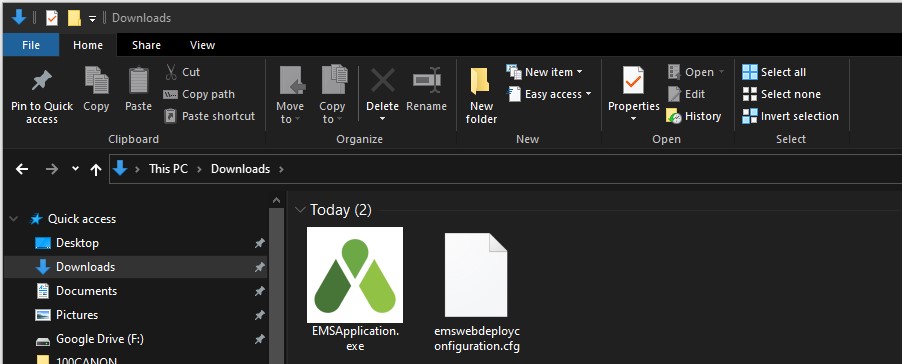
- Click on the EMSApplication in the downloads bar,

or if the bar is not displayed Click on the Start Button and look for File
Explorer, then click on your Downloads folder to find the
EMSApplication file you just downloaded.
- The following will appear as the application installs on your computer:
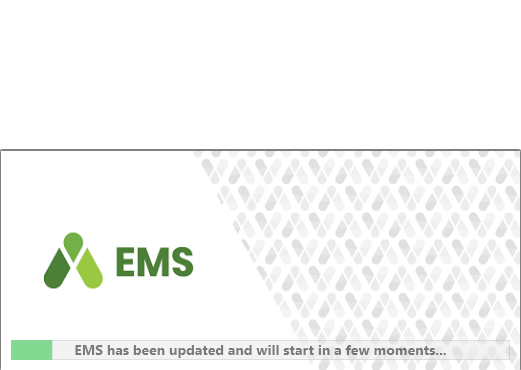
- Finally the login prompt will show up.
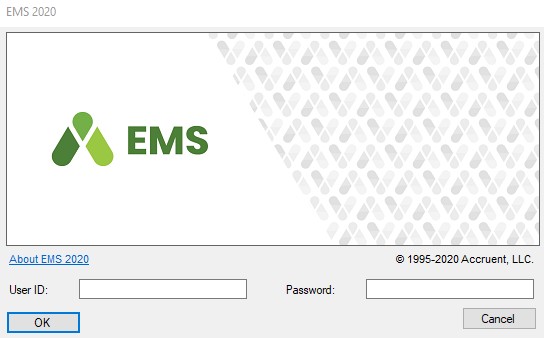
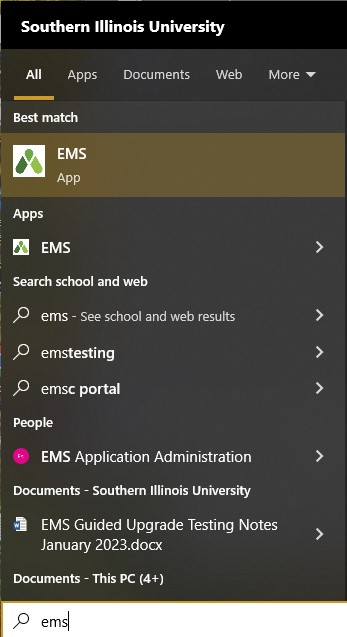
- Once you have downloaded the software and are able to successfully log into it, you only have to click on the EMS icon on your desktop
 or in your program files off of Windows Start button to use
EMS in the future.