
Browse Our Knowledge Base
Changing Preferred First Name or Email Address
Navigate to the form linked above
PREFERRED NAME CHANGE ONLY
Enter your Dawgtag
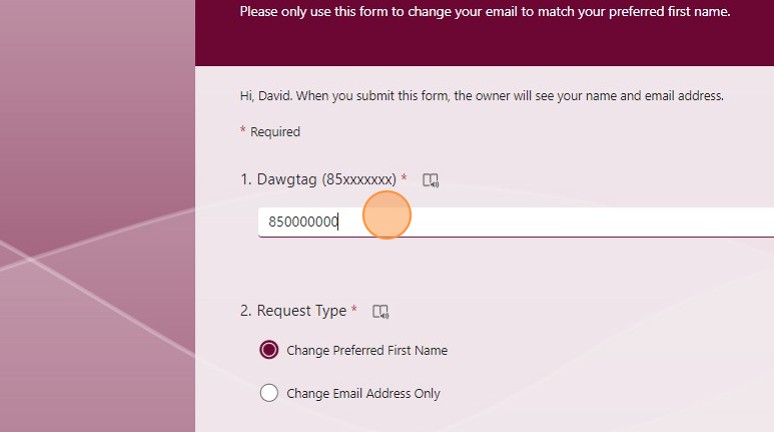
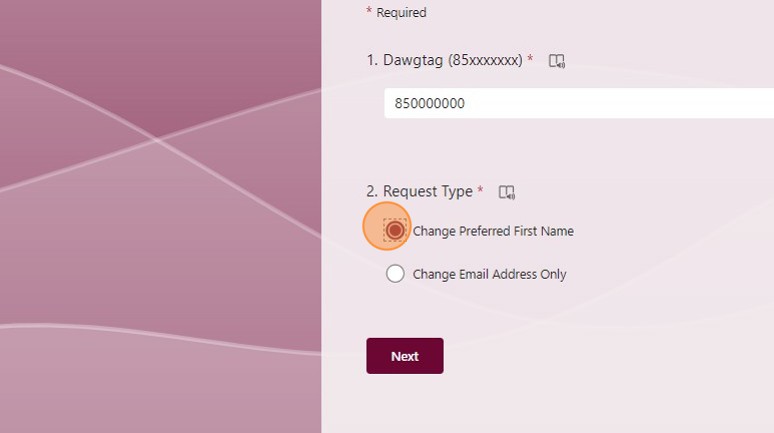
Click the “Change Preferred First Name” field.
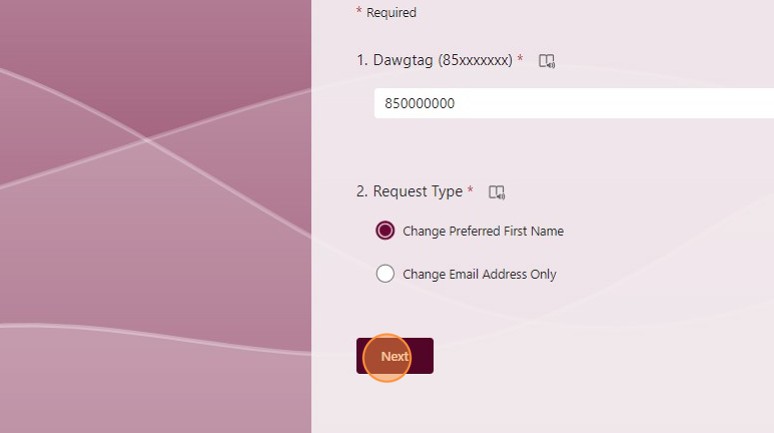
Click “Next”
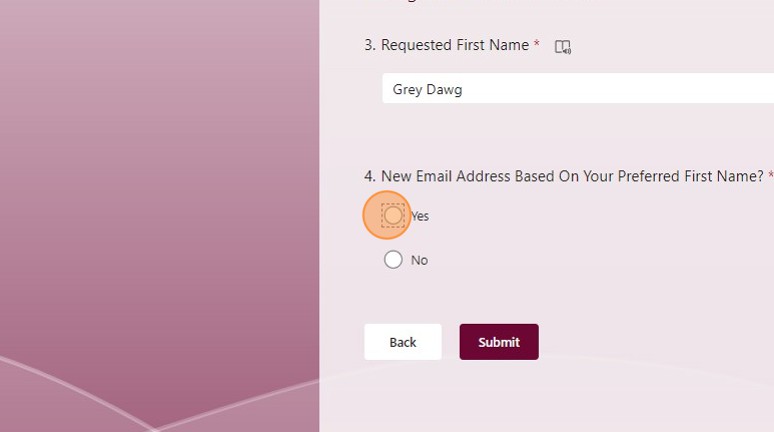
Enter your requested change
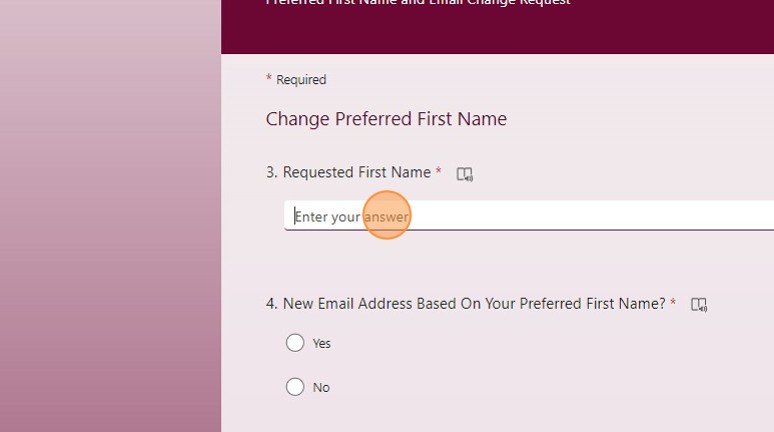
If you will need a new email click “yes”
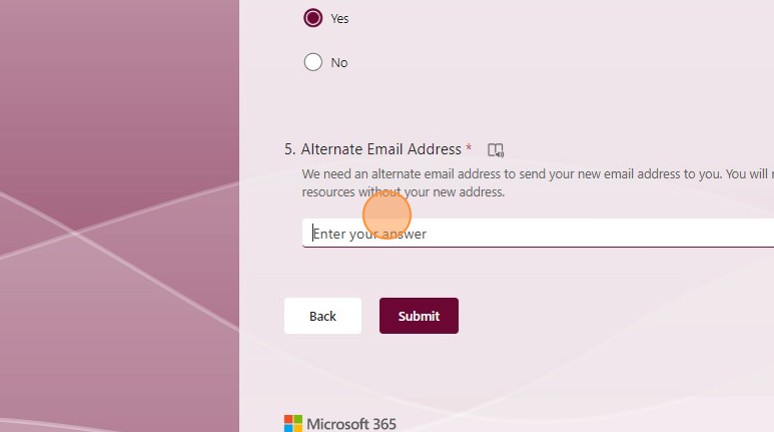
Enter the alternative email
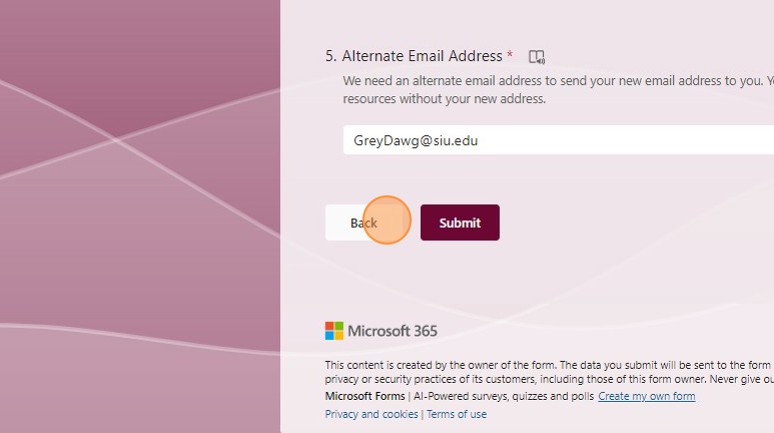
Click “Submit”
EMAIL CHANGE ONLY
Navigate to the form linked above
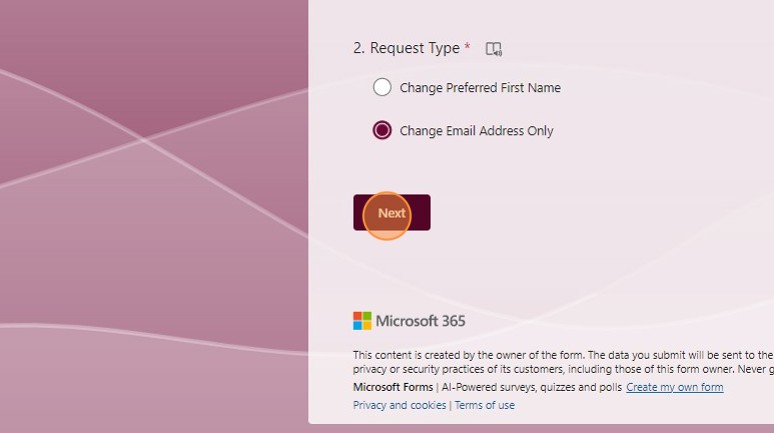
Click the “Change Email Address Only” field.
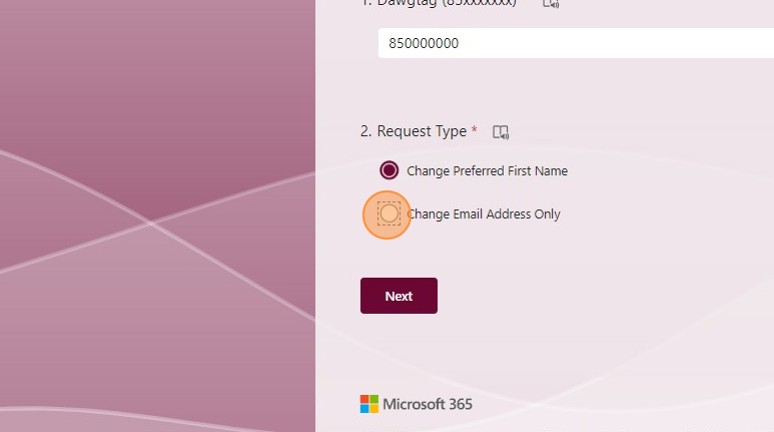
Click “Next”
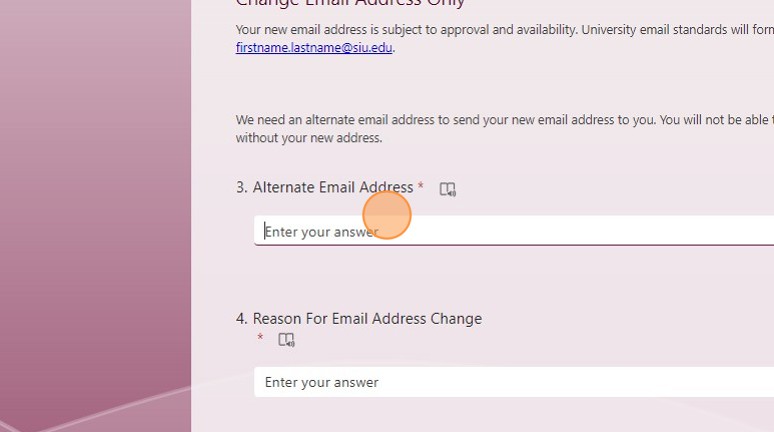
Enter your preferred email
Enter the reason for the change
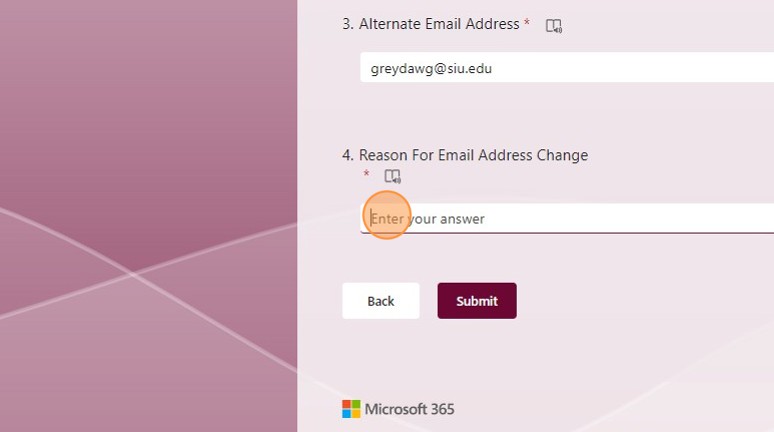
Click “Submit”