Browse Our Knowledge Base
Finding Computer Name and Serial Number on a Mac
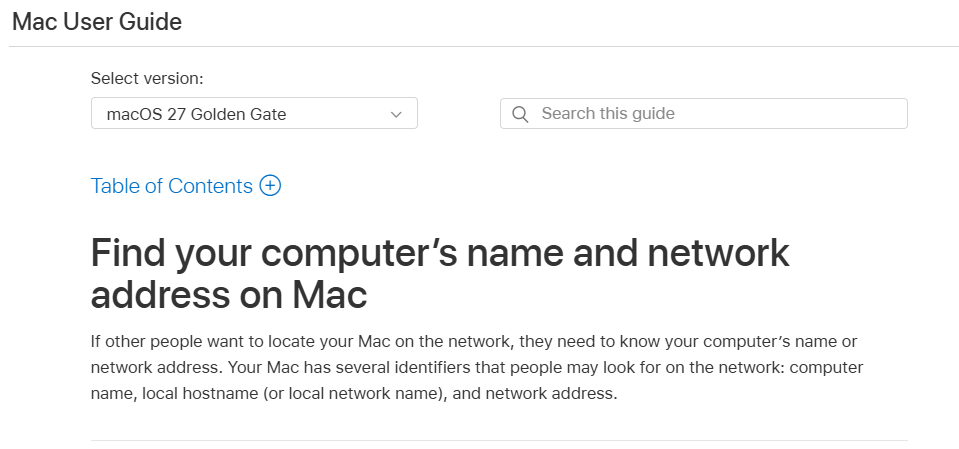
To find the computer name on your Mac, utilize the instructions linked HERE directly from Apple.
Through the link you can select your operating system at the top to find the appropriate instructions.
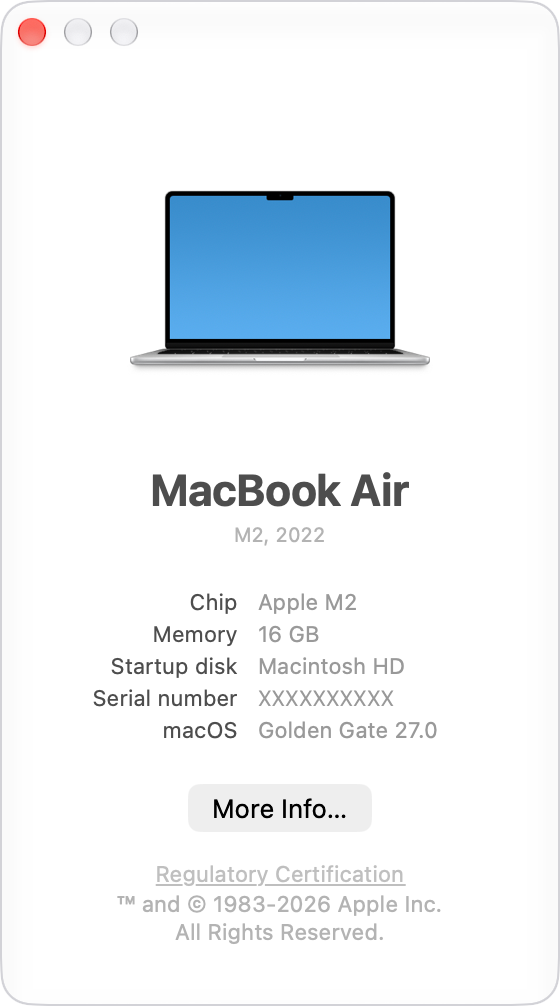
To find your Mac’s macOS, name, and serial number:
- Click the Apple menu in the top-left corner of your screen
- Select About This Mac
The macOS name, version number, and serial number will appear in the window that opens. Click the version number to see the build number.