
Browse Our Knowledge Base
How to Use D2L on Your iPhone or iPad
This Quick Guide will help you learn How to Use D2L on Your iPhone or iPad.
Step 1
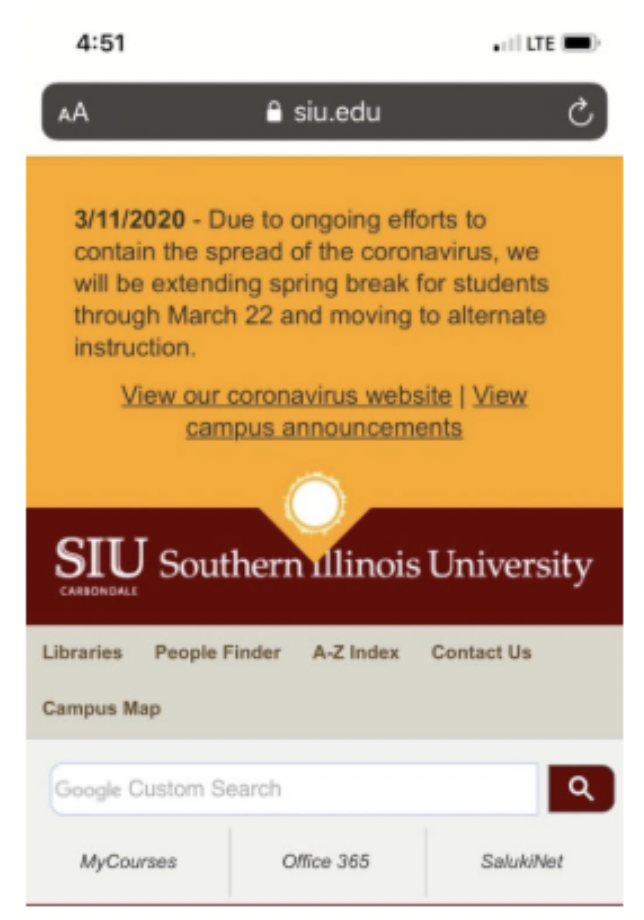
- Click on your WEB BROWSER APP
- Go to www.siu.edu
- Click on MY COURSES
Step 2
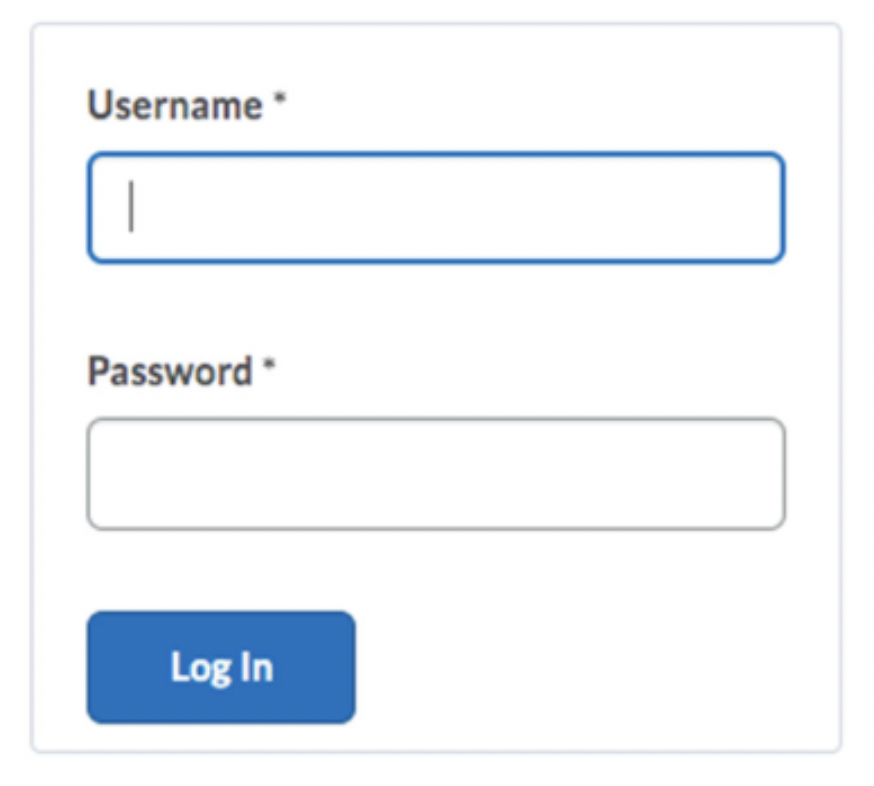
- Enter your USERNAME (SIU DAWGTAG) and PASSWORD (PASSWORD ASSOCIATED WITH YOUR DAWGTAG).
Step 3
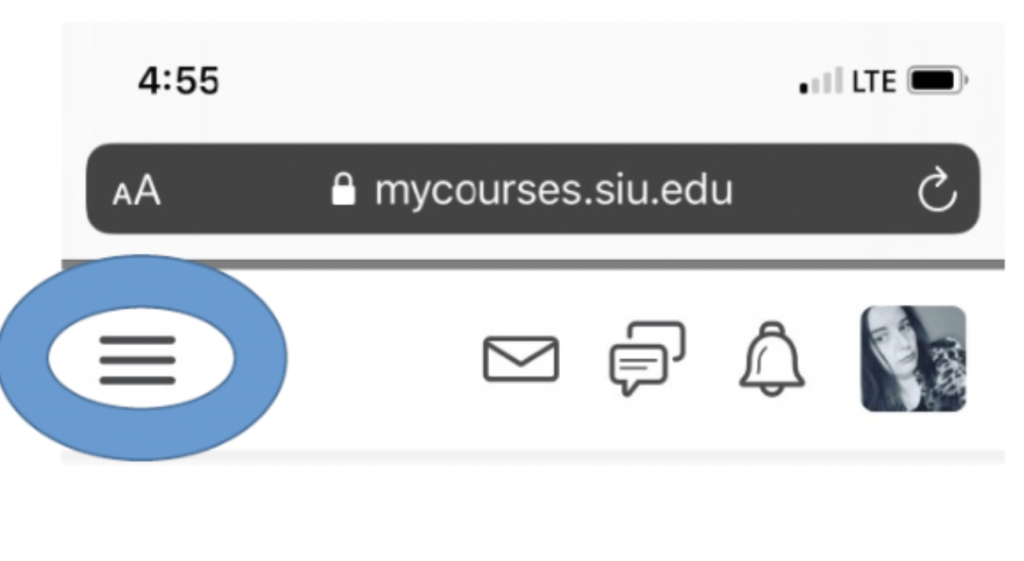
- Click on the MENU ICON.
Step 4
- Click on the WAFFLE.
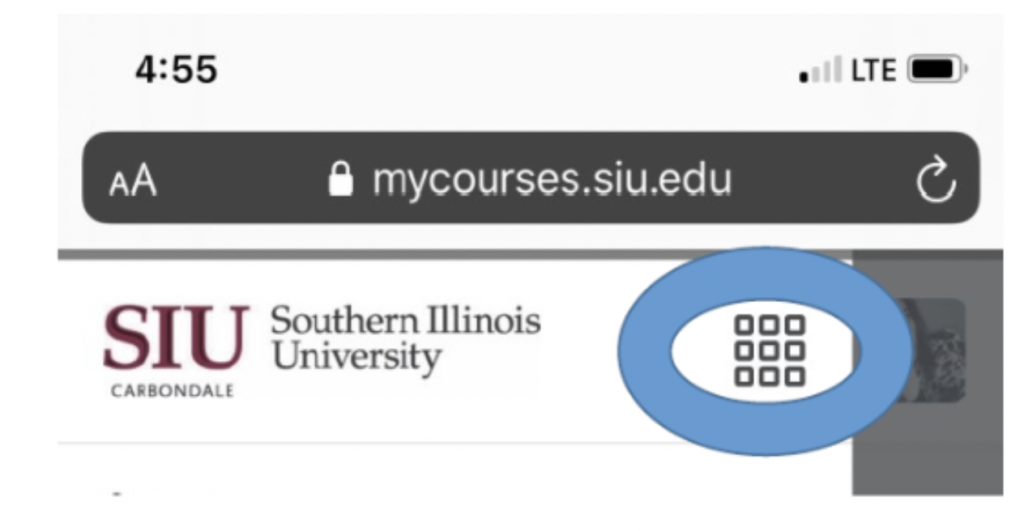
From the provided LIST OF COURSES, select the one you want to enter.