
Browse Our Knowledge Base
Adobe Fonts
Overview
If you have an Adobe Creative Cloud Pro license through SIU, that includes access to Adobe Fonts.
Access Adobe Fonts
1. In your browser, go to fonts.adobe.com
2. Click the Sign In button in the top-right corner.

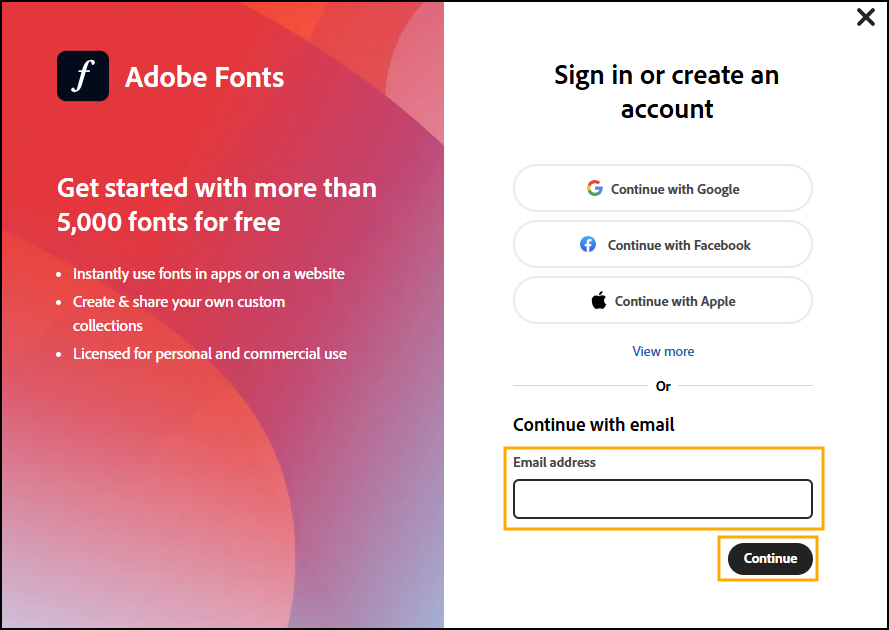
3. Enter your SIU email in the Email Address field. Then, click Continue.
4. Select Company or School Account.
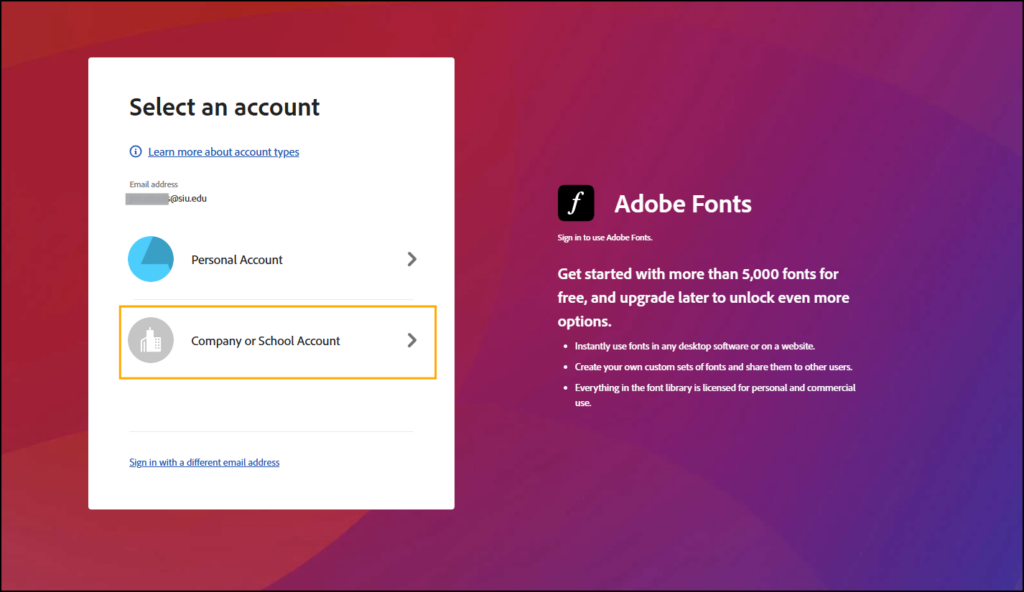
5. You will be brought to the standard SIU sign-in screen. Select your SIU account.

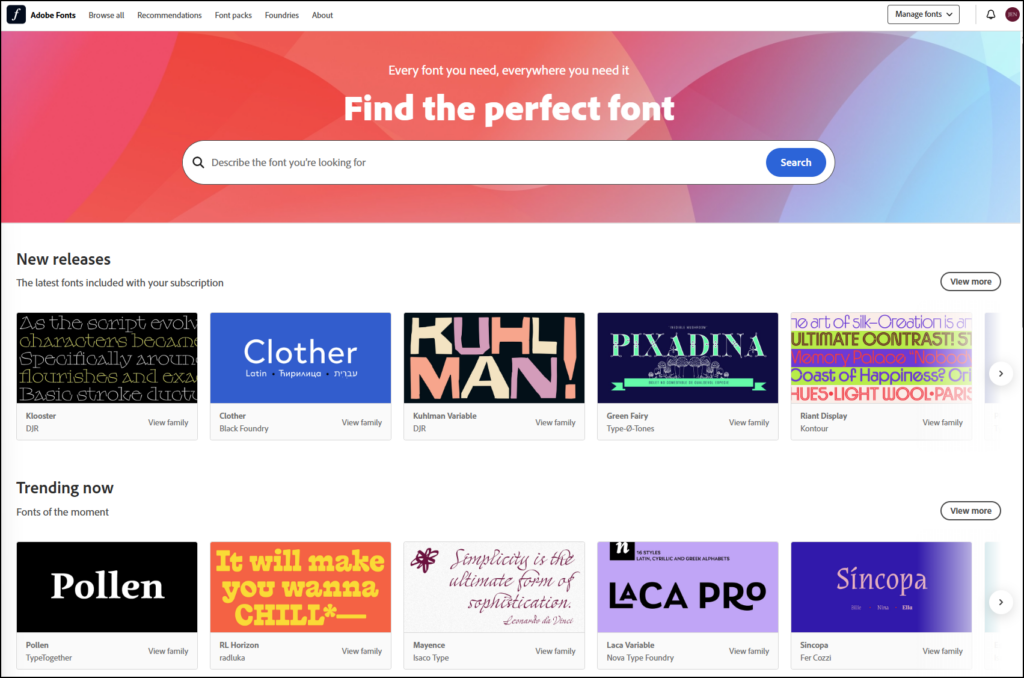
6. Once you have been signed in, you will be redirected to the Adobe Fonts homepage. You can now view and install fonts for your Adobe Creative Cloud apps.
Additional Information
If you would like to learn more about the Adobe Creative Cloud apps, LinkedIn Learning has a wide variety of tutorials. Whether you are a beginner looking for a Creative Cloud Crash Course or an advanced user wanting tips for refining your creative processes, there is something for everyone. Simply login with your SIU email address and password to access this free resource.