Browse Our Knowledge Base
How to post a quiz with time restriction in D2L
This Quick Guide will help you learn How to post a quiz with time restriction in D2L
Step 1
- On your Course Homepage:
- Click Assessments,
- then click Quizzes
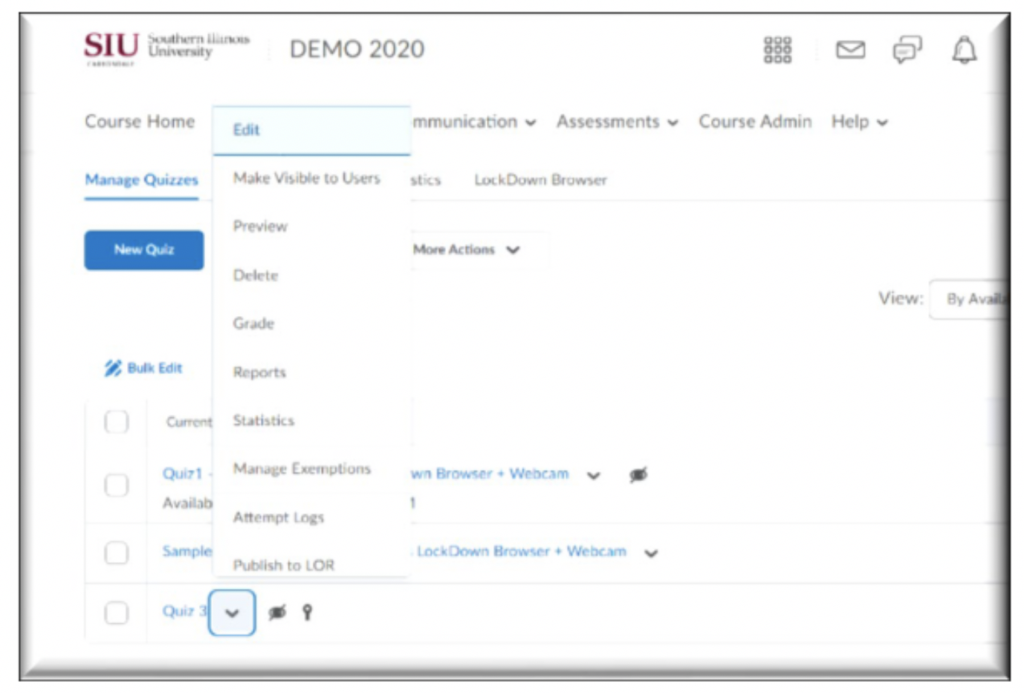
- click the arrow next to the selected quiz, click Edit
Step 2
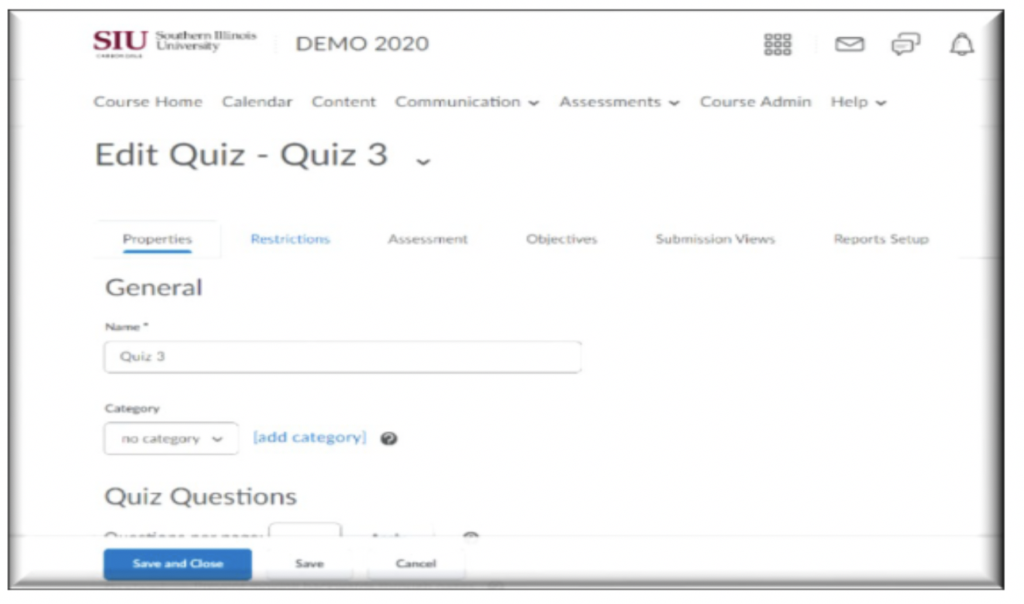
- In Edit Quiz, click on the Restrictions Tab
Step 3
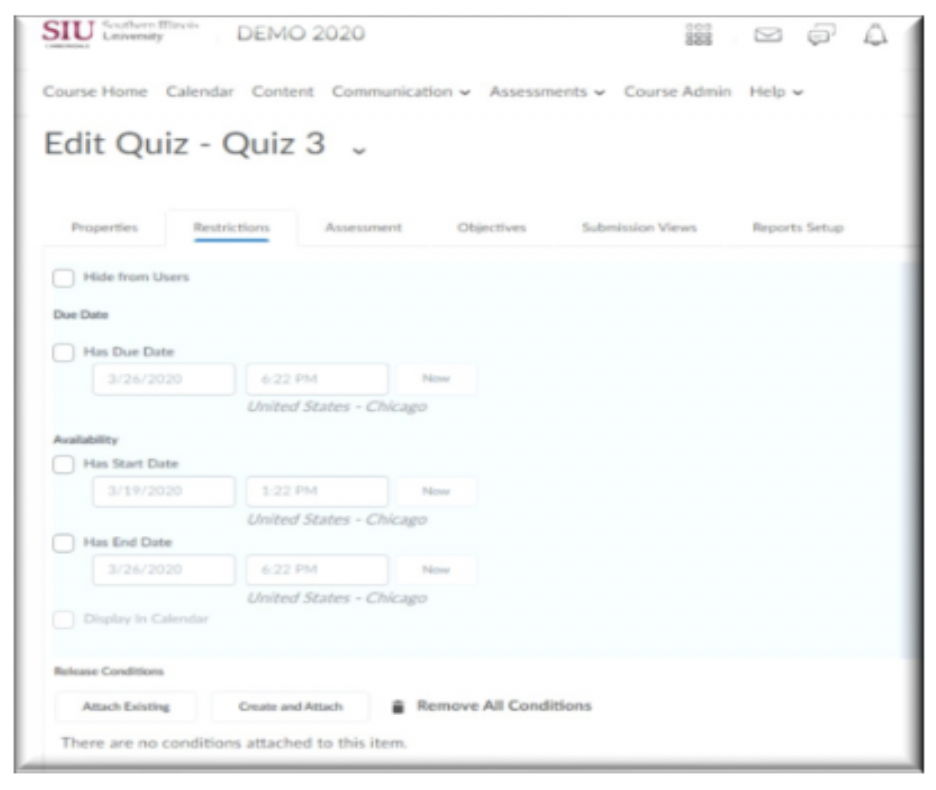
In Restrictions Tab:
- Select a Due Date and Time
- Select a Start Date and Time
- Select an End Date and Time (If you do not want the quiz visible after a certain amount of time)