Browse Our Knowledge Base
How to Attend a Virtual Classroom Session
This Quick Guide will help you learn How to Attend a Virtual classroom Session.
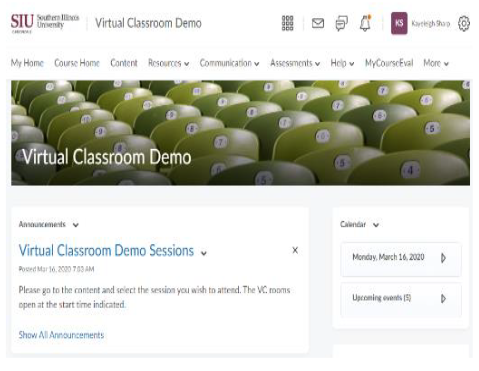
Step 1
- Login to your course on D2L and click or tap Content in the main navigation bar.
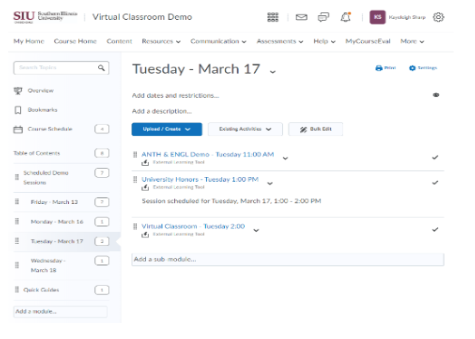
Step 2
- Tap on the appropriate folder and content.
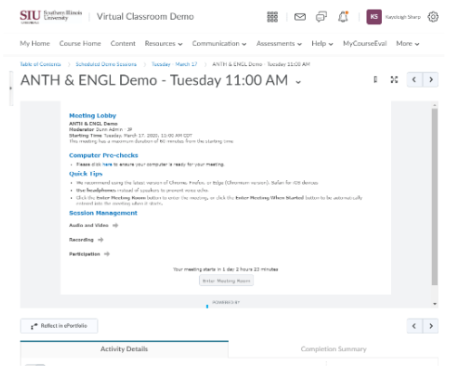
Step 3
- Tap on Enter Meeting Room button at the bottom of the screen.