Browse Our Knowledge Base
How to Give Students Special Access to Course Assignment in D2L
This Quick Guide will help you learn How to Give Students Special Access to Course Assignment in D2L.
Step 1
- Go to ASSESSMENT then click on ASSIGNMENTS.
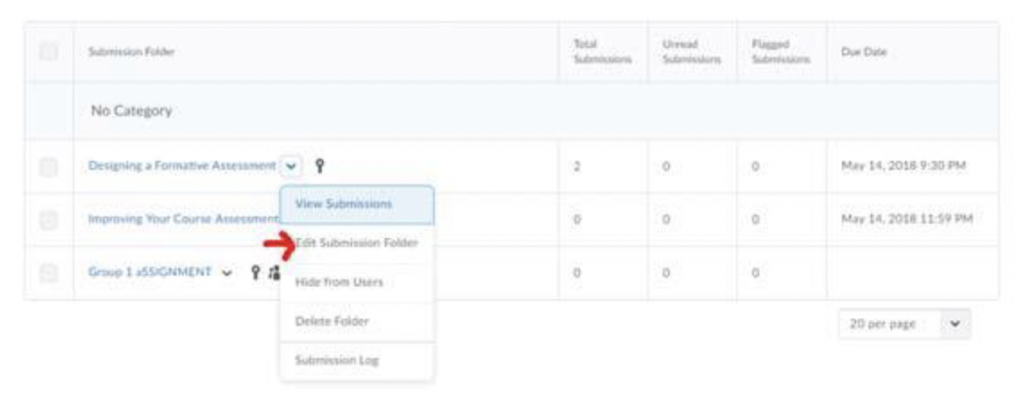
- In Assignment Submission Folder, click the arrow next to the assignmentand then click edit submission Folder
Step 2
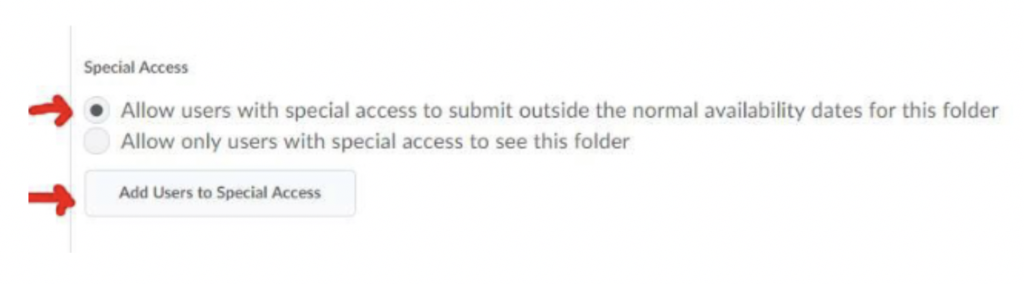
- Click on RESTRICTIONS TAB and scroll down to special access, click addusers Note: Make sure you click on Allow selected users special access