Browse Our Knowledge Base
How to Change Participant Roles in D2L
This Quick Guide will help you learn How to Change Participant Roles in D2L (Project Coordinator Only)
Step 1
- Go to COMMUNICATION then click on CLASSLIST
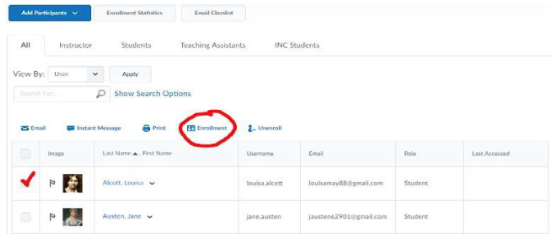
- Click the box next to the Participant
- Click Enrollment
Step 2
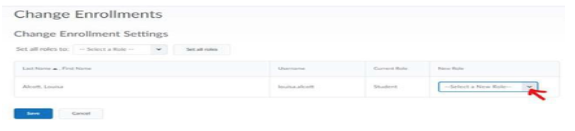
Select a new role for the participant (ex. TA)
click save