Browse Our Knowledge Base
How to Use D2L Content
Step 1
- From your COURSE HOMEPAGE, click on CONTENT along the horizontal menu

Step 2
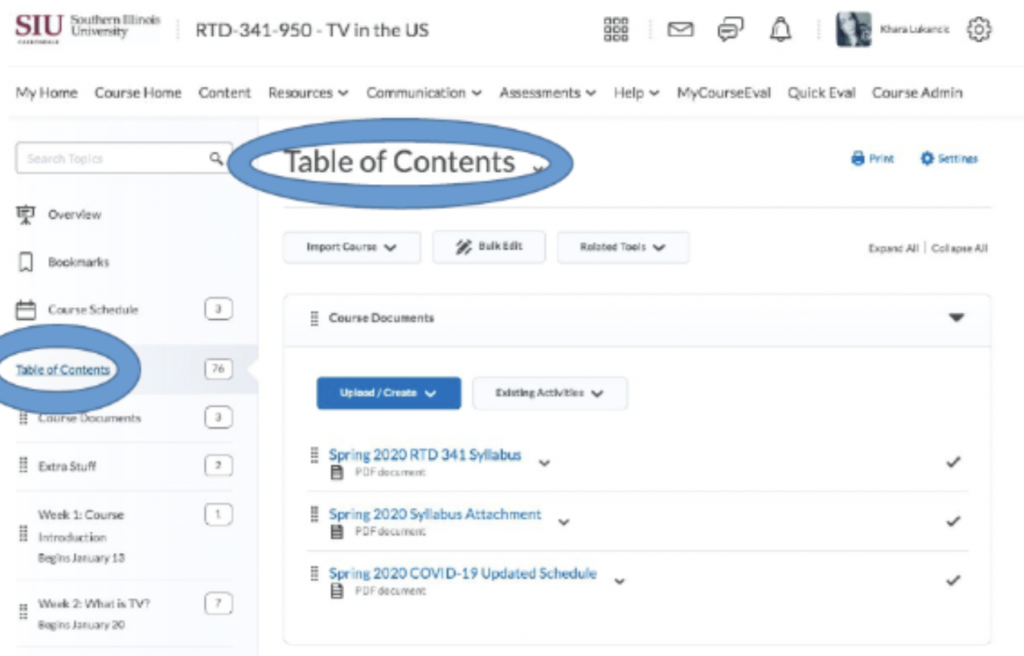
- Use the TABLE OF CONTENTS to access all content for the course.
Step 3
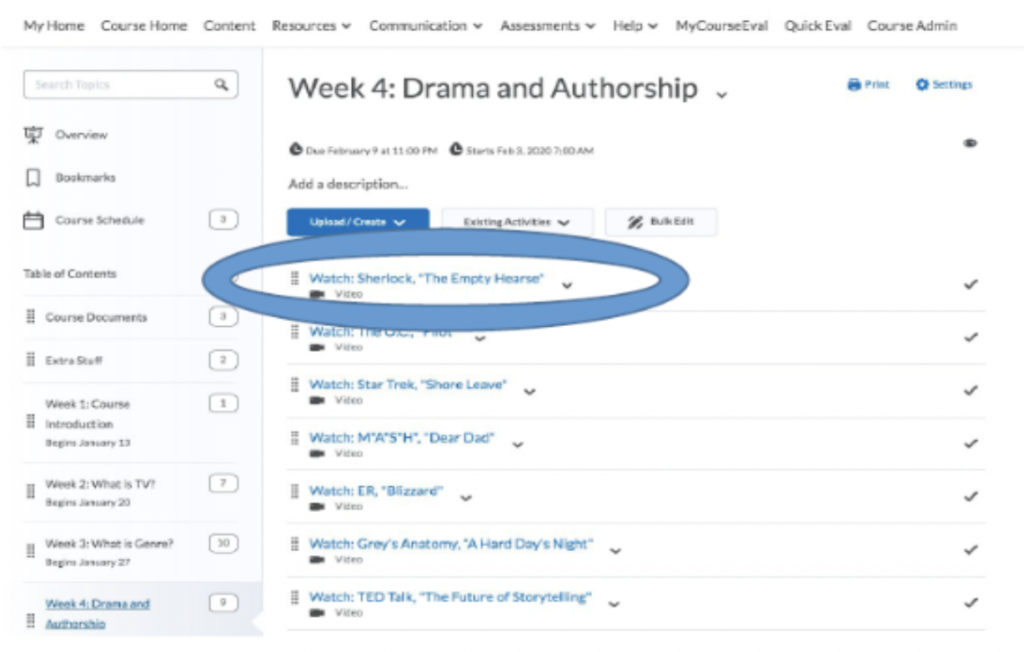
- Use the TABLE OF CONTENTS to access individual modules
Step 3
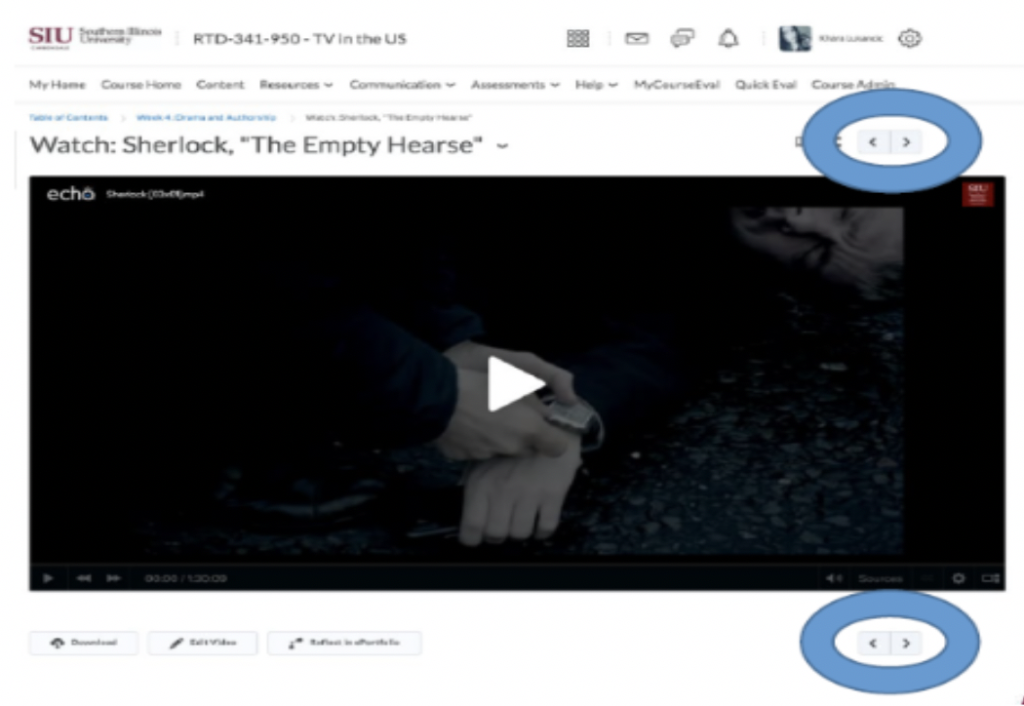
- If you click on an individual module, you can navigate through the module’s content using the arrow.