Browse Our Knowledge Base
This Quick Guide will help you learn How to Add a Participant to Course in D2L
This Quick Guide will help you learn How to Add a Participant to Course in D2L.
Step 1
- Go to COMMUNICATION then click on CLASS LIST
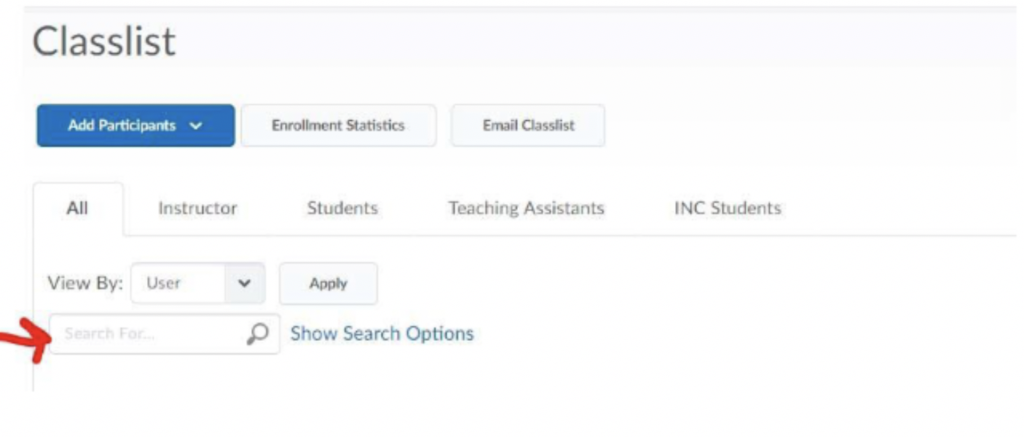
- Click on ADD PARTICIPANTS then ADD EXISTING USER
- In the Search Box type either: First and Last Name, SIU Dawgtag, or email address to locate the participant you would like to add to the course. Click on the magnifying glass to show results.