
Browse Our Knowledge Base
Install Microsoft 365 Apps (Microsoft Office) on Your Personal Device
Overview
Microsoft 365 is a suite of productivity tools that includes Word, Excel, PowerPoint, and Outlook, along with cloud-based services such as OneDrive and Microsoft Teams.
To activate your SIU Microsoft 365 license on the desktop apps, you’ll need to download them and sign in with your SIU account. Follow the steps below for detailed, step-by-step instructions.
Personal Computer
1. Uninstall any existing/previous versions of the Microsoft 365 or Microsoft Office apps that may be on your device currently. Then, restart your computer.
2. In your browser, go to portal.office.com/account and sign in with your SIU email address and password.
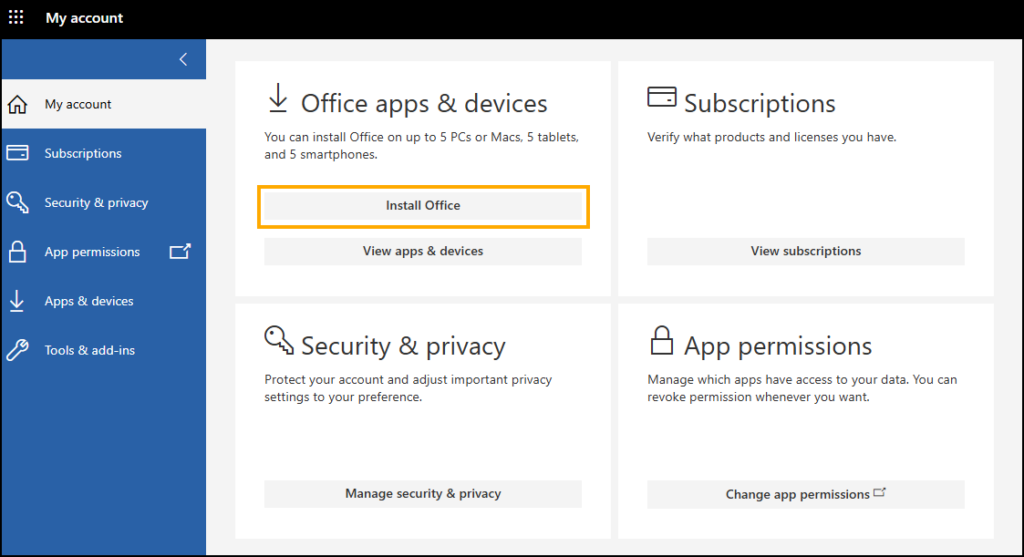
3. Click Install Office. The Microsoft Office installer will download.
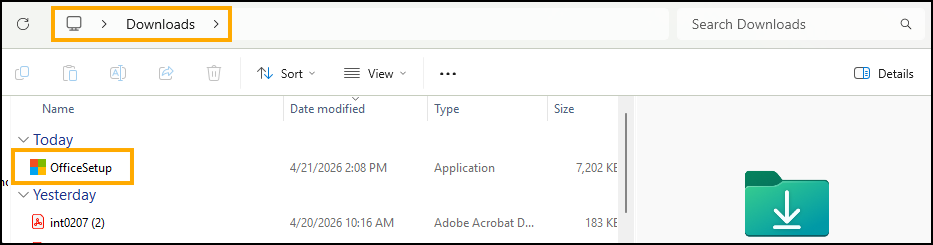
4. Open your Downloads folder and double-click on the Office Setup installer to begin the installation process.
5. Follow the installation prompts to complete the installation process.
6. Once installed, open one of the Microsoft Office apps (Word, PowerPoint, Excel, etc).
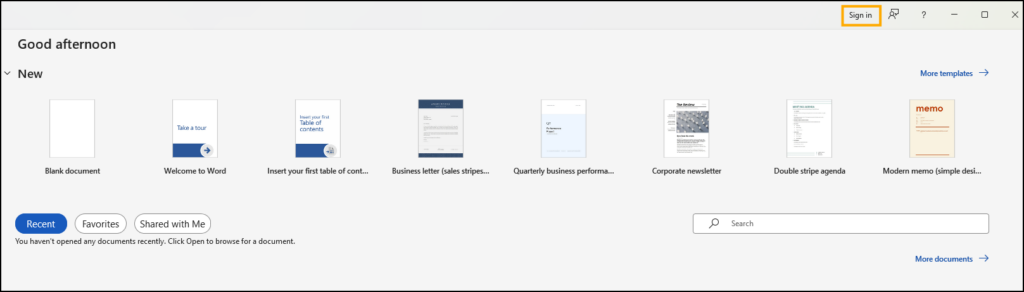
7. In the top right corner, click Sign In.
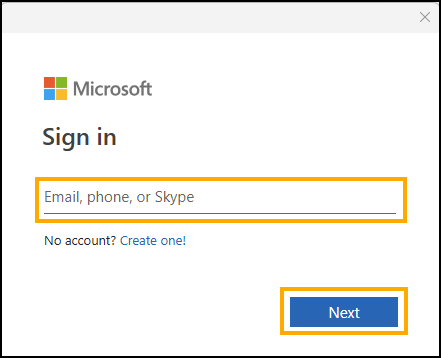
7. Enter your SIU email address and click Next.
5. You will be redirected to the standard SIU login screen. Enter the password for your account and click Sign In.
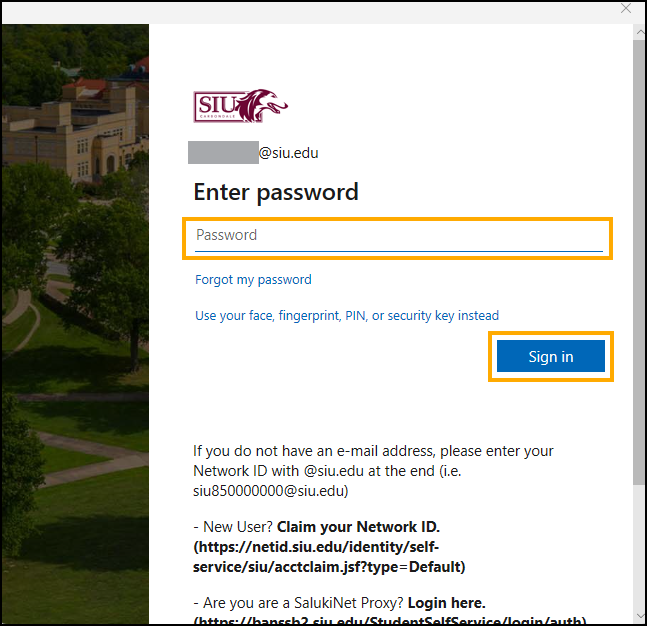
6. After a moment, the Microsoft app will update to show your account in the top-right corner, along with any recent documents you’ve opened or edited on another device. You are now signed in. All other Microsoft Office apps on your computer should also sign you in automatically.
Mobile Devices
Mobile Device
Frequently Asked Questions (FAQ)
Where do I learn more about Microsoft 365?
Can I install Microsoft 365 Apps on another computer?
Yes. You are able to install the Microsoft 365 apps on up to 5 devices.
Which Microsoft Office desktop apps are included?
- Access (Windows only)
- Excel
- OneNote
- Outlook
- PowerPoint
- Publisher (Windows only)
- Word
Which Microsoft Office add-on apps are available for departmental purchase?
- Microsoft 365 Copilot
- Microsoft Project (Windows only)
- Microsoft Visio (Windows only)
How do I load the Analysis ToolPak add-in in Excel?
Tutorial: Load the Analysis ToolPak Add-in in Excel
How do I load the Euro Currency Tools add-in in Excel?
Tutorial: Load the Euro Currency Tools Add-in in Excel
How do I load the Solver add-in in Excel?
Tutorial: Load the Solver Add-in in Excel