Browse Our Knowledge Base
Requesting D2L Brightspace and Instructional Support Services from CTE
D2L Brightspace Help
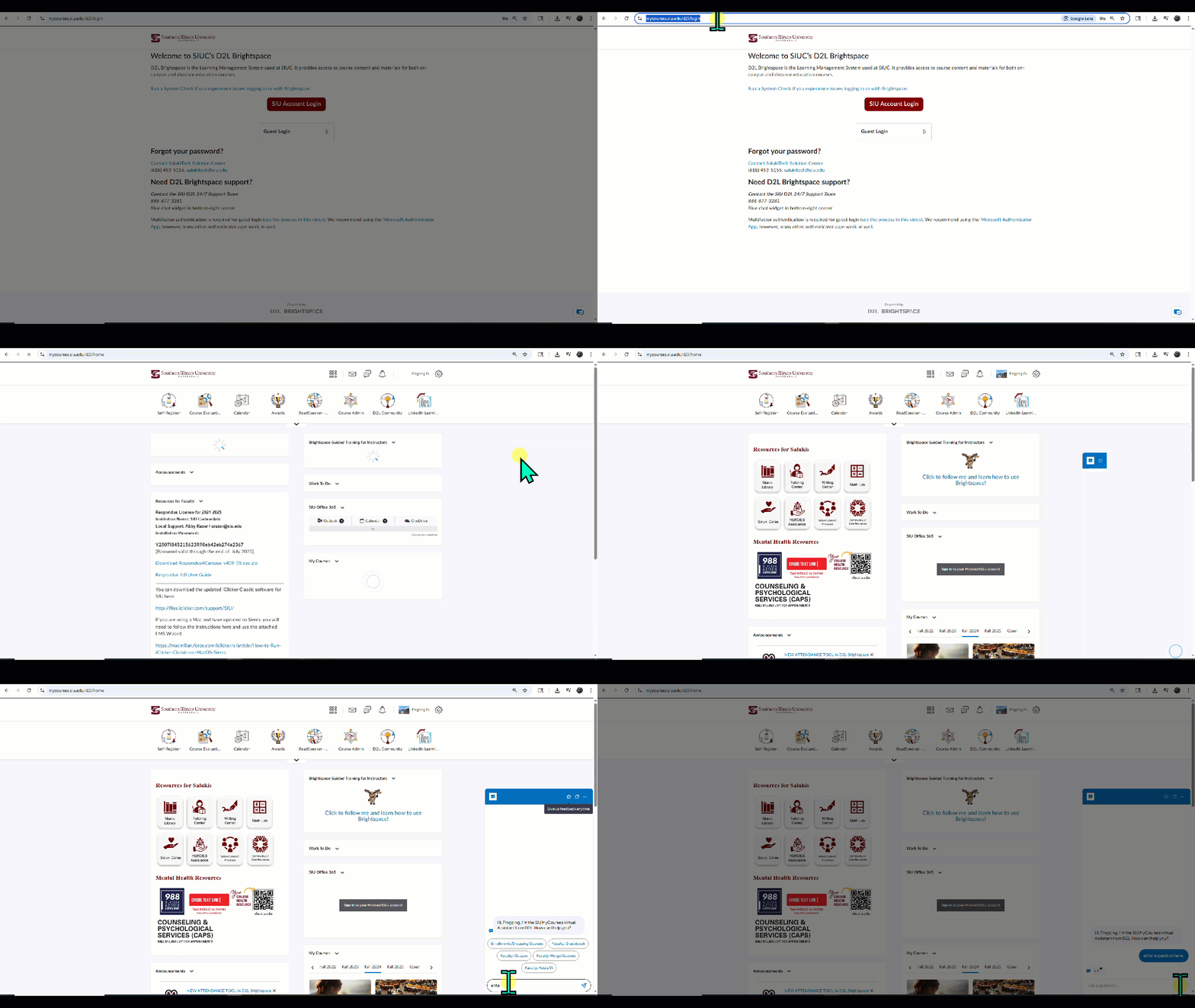
You can always use the “get help” widget at D2L Brightspace in the bottom right corner to be connected to a live agent 24/7. Or you can call 1-888-877-3281
Issues that cannot be resolved will be appropriately sent back to the SIU D2L Brightspace team.
Request D2L Brightspace Services from CTE
The Center for Teaching Excellence (CTE) uses a streamlined system for managing D2L Brightspace and instructional support requests. For faster processing, use the direct links below to complete a request form. If your need isn’t listed, submit a request through Tikit.
Common Requests
Course & Content Management
- Create Course in D2L (i.e. Sandbox or Dev)
User Access & Roles
Consultations & Special Requests
- Instructional Design – Consultation Request
- Request to Prepare Materials and Readings for Accessibility
Other Requests
If your request does not match any item in the list above, submit a Tikit request.
How to submit a Tikit request
- Visit web.tikit.ai/requests
- Sign in using your SIU credentials
- Select the “Add Request” button in the top left-hand corner.
- In the pop-up window, type a brief description of your request directly into the Tikit request box.
- Select “Submit” to make your request.
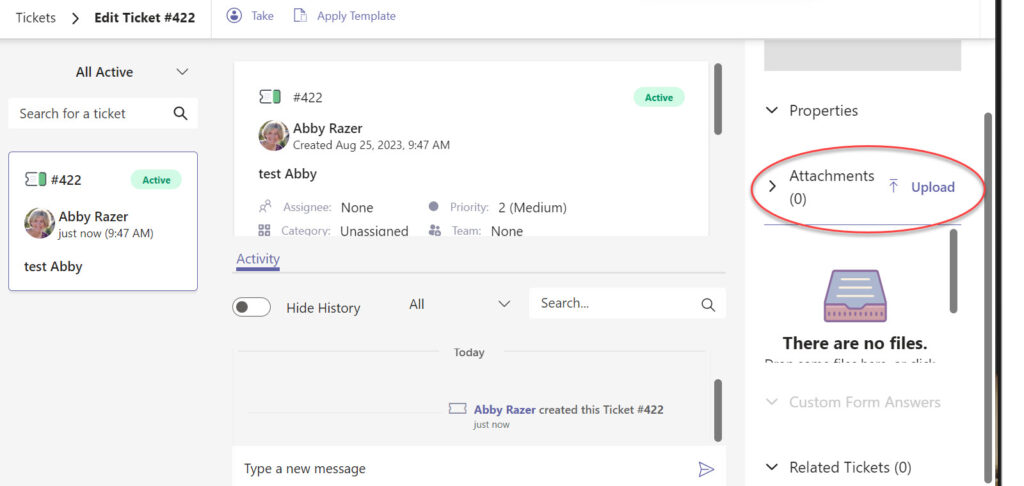
Need to add a file attachment to your ticket
To add an attachment to your ticket after submitting your request navigate to web.tikit.ai/requests to open your ticket. From there, look on the right side under attachments to upload.