
How Can We Help?
Access Adobe Acrobat Sign
Overview
If you have an Adobe Creative Cloud Pro license through SIU, that includes access to Adobe Acrobat Sign.
Note: SIU Alumni Association, SIU Department of Public Safety, SIU Foundation, and WSIU employees have separate sign-in instructions.
How to Sign In (@siu.edu)
1. In your browser, go to the Adobe Sign Login page.
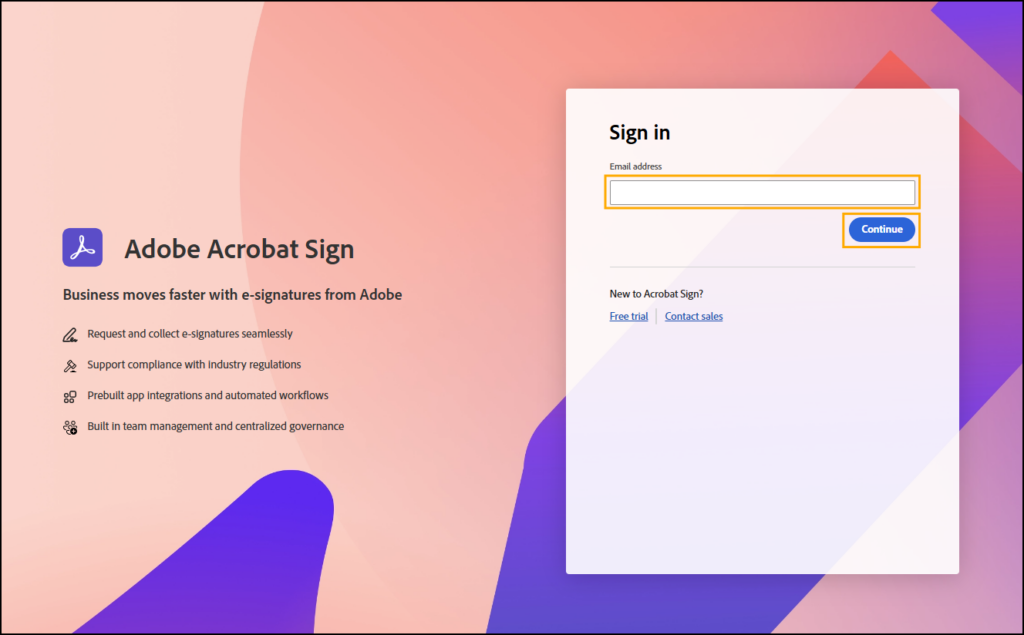
2. Enter your @siu.edu email address and click Continue.
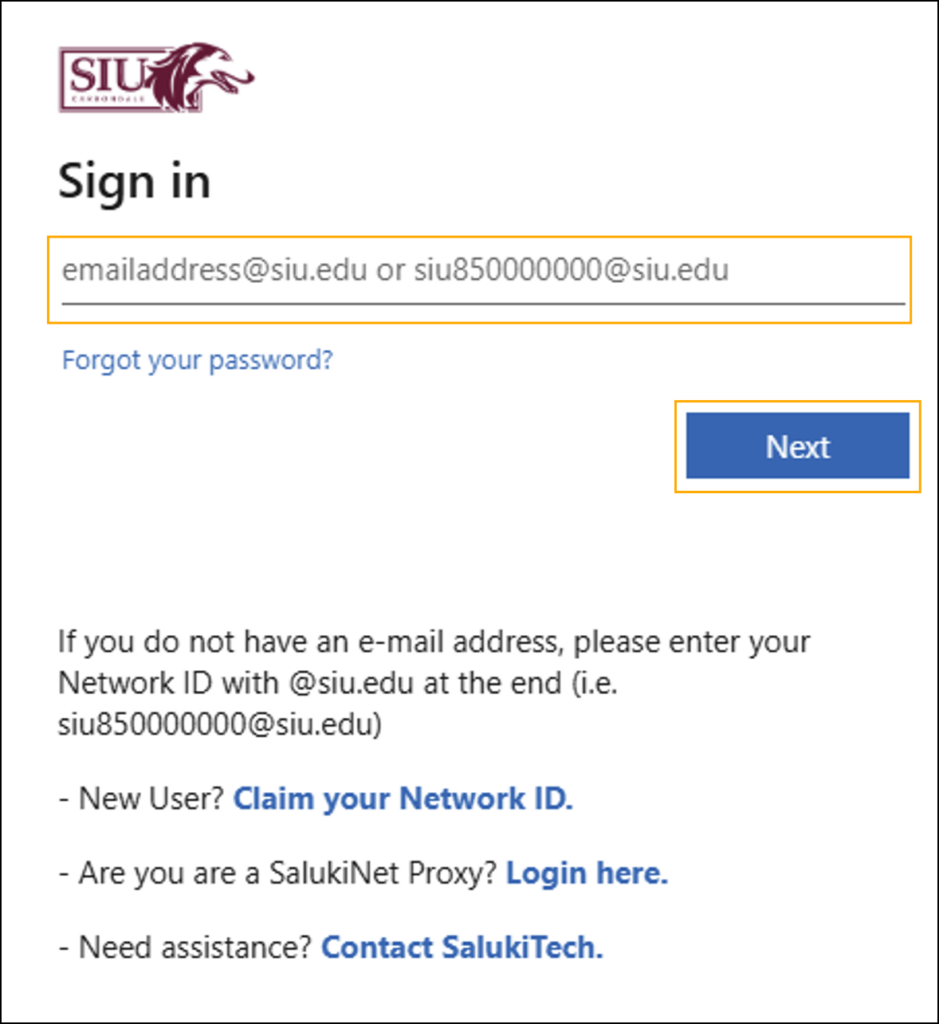
3. Enter your @siu.edu email address again and click Next.
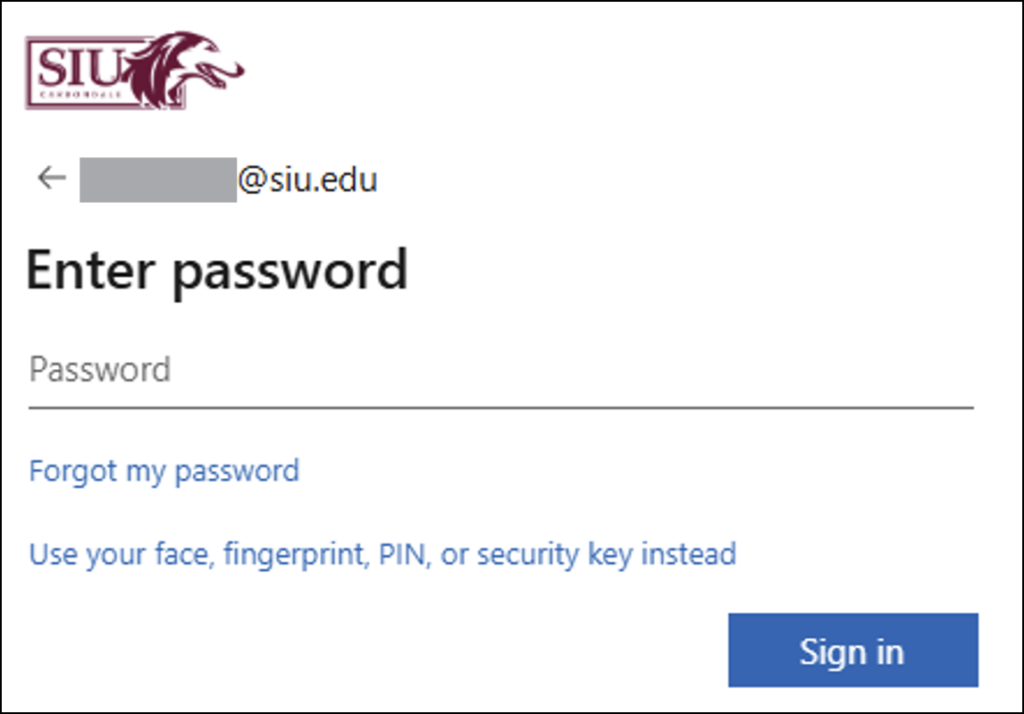
4. Enter your password and click Sign In.
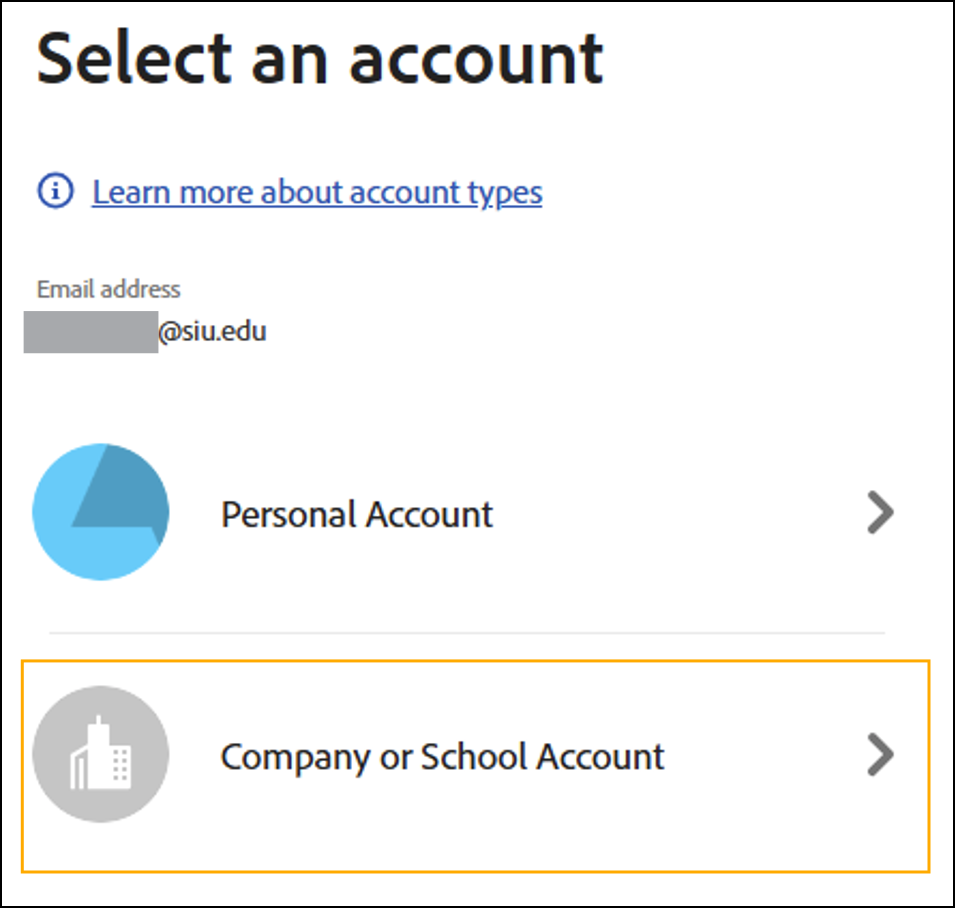
5. If prompted, select Company or School Account.
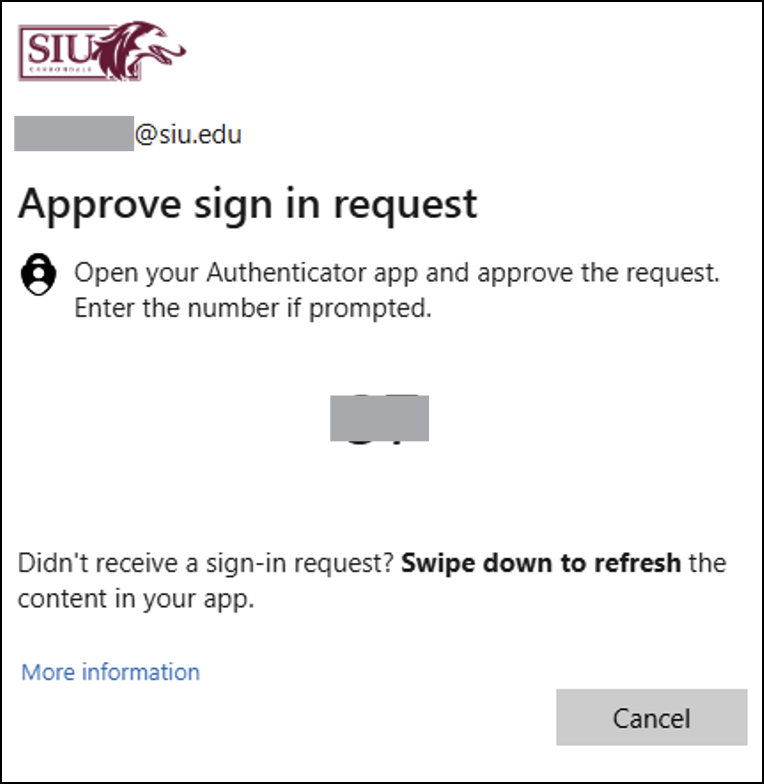
6. Complete the multi-factor authentication process.
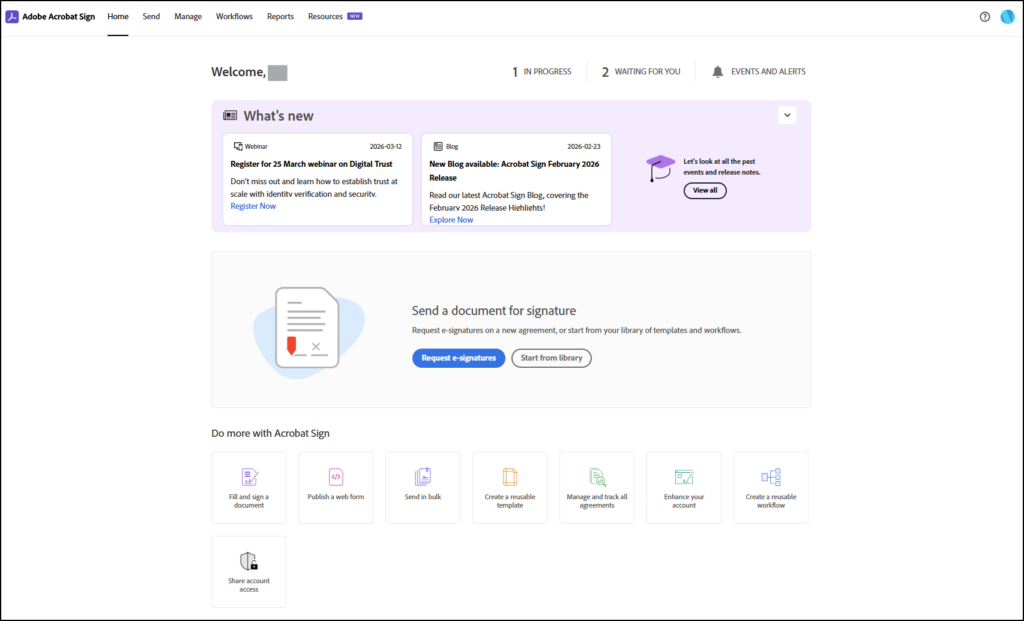
7. Once signed in, you will be redirected to the Adobe Sign homepage.
How to Sign In (DPS/WSIU/Etc.)
If you have a University email address that ends in one of these domains, proceed to the instructions below.
@alumni.siu.edu
@dps.siu.edu
@foundation.siu.edu
@wsiu.org
1. In your browser, go to the Adobe Sign Login page.
2. Enter your @siu.edu email address and click Continue.
3. Enter your Adobe password.
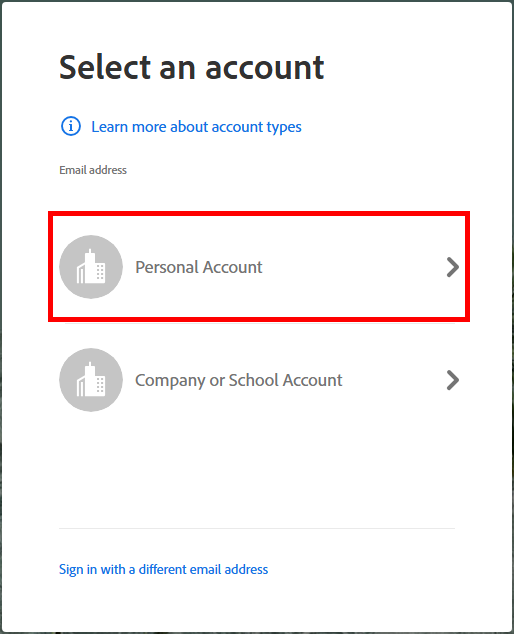
4. If prompted, select Personal Account.
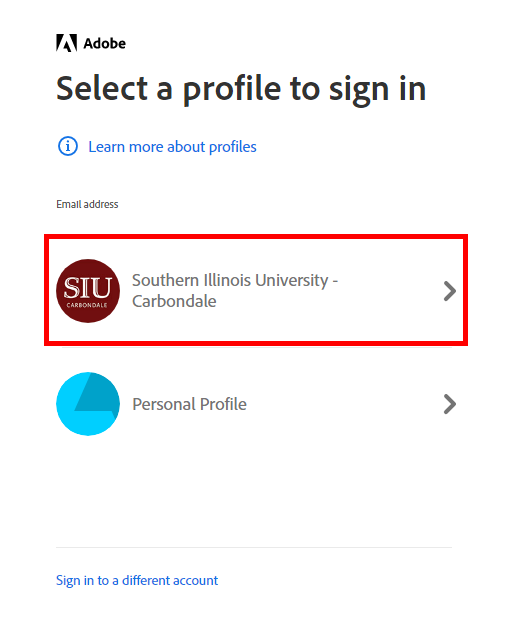
5. Select Southern Illinois University – Carbondale on the Profile selection page.
6. Once signed in, you will be redirected to the Adobe Sign homepage.
Frequently Asked Questions (FAQ)
Where can I learn more about Adobe Acrobat Sign?
If you would like to learn more about the Adobe Creative Cloud apps, LinkedIn Learning has a wide variety of tutorials. Whether you are a beginner looking for a Creative Cloud Crash Course or an advanced user wanting tips for refining your creative processes, there is something for everyone. Simply login with your SIU email address and password to access this free resource.
Where are the Acrobat Sign email notification settings?
Adobe Guide: How to adjust email notifications for events/alerts in Adobe Sign
What are the Acrobat Sign for Enterprise (ETLA) transaction limits?
Adobe Transaction Limits
Is Mobile Focus available when requesting e-signature?
Yes, Mobile Focus is available when requesting e-signature from the Adobe Acrobat Sign web app, but it may not be available when requesting e-signature from the Adobe Acrobat desktop app.
Supported and unsupported elements in Mobile Focused authoring